





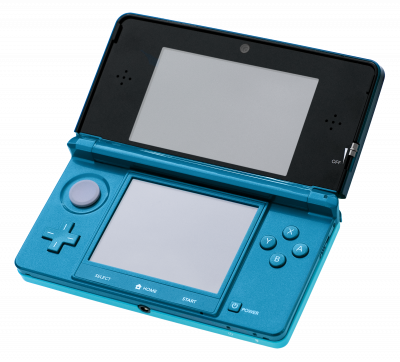
Azahar is the community-driven successor to Citra, whose development stopped in 2024. It's now the go-to 3DS emulator, available on Windows, Linux, macOS and Android.
1. Install the emulator
- Grab the latest stable release from the project's official GitHub repository.
- On Android, allow installation from unknown sources before launching the APK.
- Launch Azahar once, then close it. This step creates the folder structure you'll need next.
2. Prepare your game files
- Azahar cannot read compressed archives. Extract your
.zip,.7zor.rarfiles first with 7-Zip. .3dsand.ccifiles simply go into your games folder..ciafiles, on the other hand, don't just sit in a folder: they must be installed through the emulator's menu (File → Install CIA). This is the most common mistake.
3. Settings that make all the difference
- Graphics API: Vulkan in most cases, especially on AMD GPUs and mobile. If a game misbehaves, try OpenGL.
- Async shaders: enabled. Noticeably reduces micro-stutter when entering a new area.
- Internal resolution: 2x is plenty for a crisp image without tanking performance.
4. Not working?
- The game doesn't show up in the list → it's an uninstalled
.cia, or an archive that wasn't extracted. - Black screen on launch → switch to Vulkan, and check that your GPU drivers are up to date.
- Regular stuttering → enable async shaders and lower the internal resolution to 1x.