




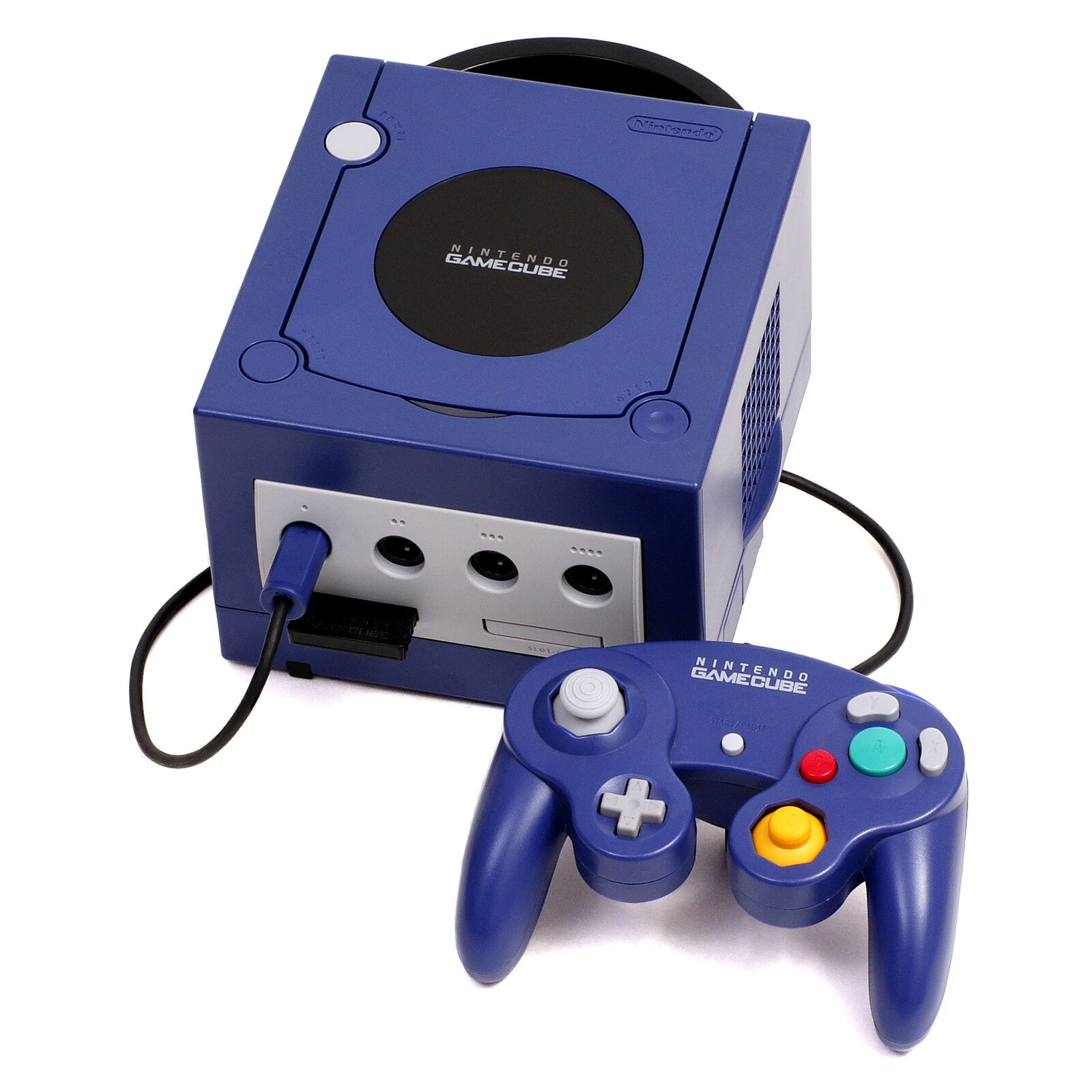
Animal Crossing GameCube playable in your browser, even without internet
Emulation in the browser has come a long way. We can now play Animal Crossing GameCube directly from Chrome or Firefox, without installing any software, and even offline once the page is rged.
🌐 What is a PWA?
A Progressive Web App (PWA) is a web application that can be installed like a real app and work without an internet connection. Concretely, you open the URL in your browser, the service worker loads all the necessary resources in cache, and you can then close your tab, turn off the Wi-Fi, reopen the app, and play normally. That’s exactly what this version of Animal Crossing offers.
🏠 Why Animal Crossing GameCube?
The Original Animal Crossing nal on GameCube (2001 in Japan, 2002 in the USA, never released in Europe under that name) remains one of the most appreciated versions of the series. Its pace of life, its furniture, its neighbors, and its soundtrack have a flavor that many nostalgic gamers seek. Unlike New Horizons on Switch, it does not fit into a portable cartridge, and finding a working GameCube with the game is expensive. This PWA solves both problems at once.
⚙️ How does it work?
The application uses a GameCube emulator in WebAssembly (technology that allows to run efficient native code in the browser). Performance is ok on a modern PC or Mac, more limited on mobile. To launch the game, you need to provide your own files extracted from a legal copy of Animal Crossing GameCube. The app does not distribute any Nintendo assets.
Once your files are loaded, the app keeps them in local memory in the browser. You can then access it at any time, online or offline, like an app installed on your desktop.
📱 On mobile?
The PWA is technically accessible on mobile, but the experience is highly dependent on the phone. On a recent Android flagship, performance is playable. On iOS, the limitations of Safari in WebAssembly can be an issue. A Bluetooth controller connected to your phone is highly recommended. >Source: Retro Dodo