





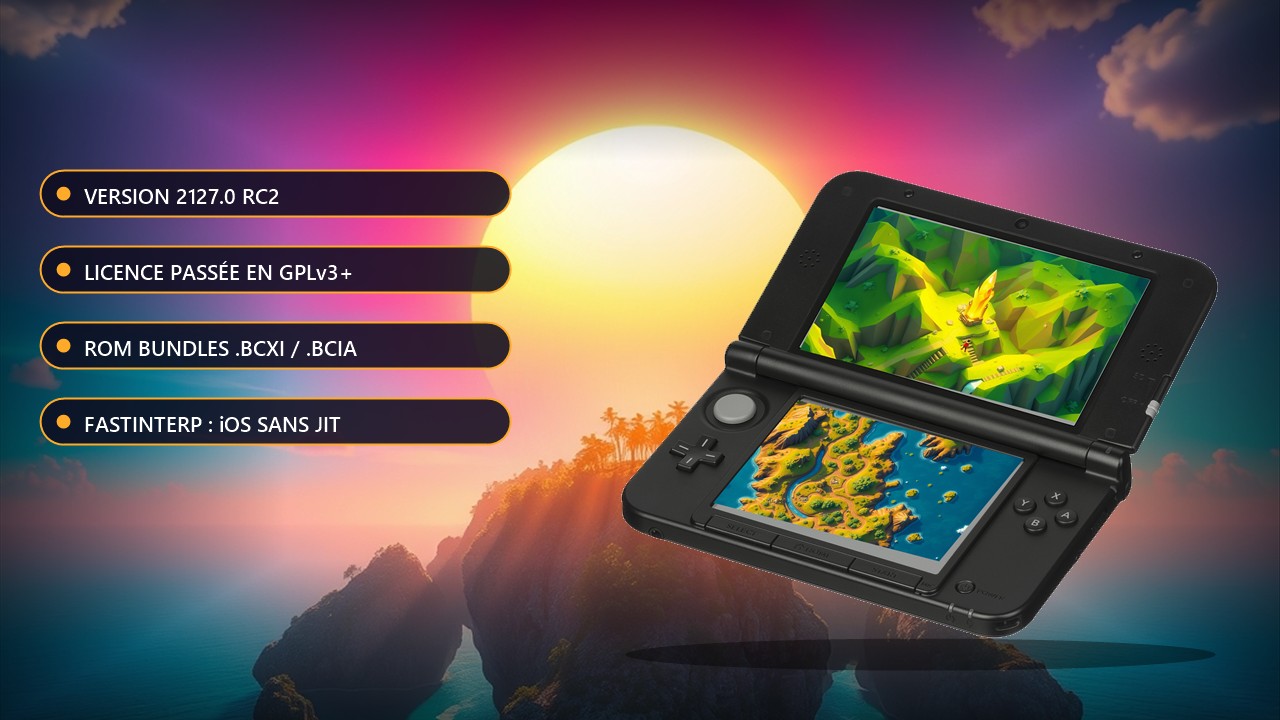
Azahar 2127.0 reaches release candidate: GPLv3 license, ROM Bundles and JIT-less iPhone play
Five days after Alpha 4, the Azahar team shipped release candidate 1 and then release candidate 2 of version 2127.0 on 6 November 2026. This is not a stable build yet: the developers plan about seven days of testing, longer if serious issues show up, and advise backing up your user data folder before installing.
The most visible change is the license: Azahar moves from GPLv2+ to GPLv3+, which means downstream projects reusing the code must follow the new terms. On the technical side, the new FastInterp interpreter replaces DynCom in JIT-less environments such as iOS and tvOS. According to the release notes, it lets devices as old as the iPhone XS run games, at over 200% speed in some cases.
ROM Bundles to combine a game, its updates and DLC
Another addition is ROM Bundles (.bcxi, .bcci and .bcia). The format packs a game with its updates, DLC or system files (such as Mii data) in a single file. The .bcxi and .bcci files let updates and DLC work without installing a CIA into the emulated 3DS, which helps libretro frontends such as RetroArch. On desktop you create a bundle through Tools, then Create ROM Bundle; Android cannot create them yet but can run bundles made on PC with version 2127.0 or later.
On Android you get per-application settings (long-press a game), ADPF performance hints (about a 15% gain reported on one Mali device) and lower latency. On desktop: bundled FFmpeg for video dumping, an optional software keyboard, configurable battery state, a hold-to-turbo hotkey and experimental MSAA anti-aliasing. RC2 mainly fixes a launch crash on GPUs that lack certain features, and it invalidates the shader cache, so expect a brief slowdown on first launch.
To try it: download from the official Azahar website or straight from the RC2 page on GitHub; for getting started (dumping your own games, installing the emulator) the project README works as a quickstart. You must own your games and dump them yourself.
Source: Azahar release notes on GitHub