


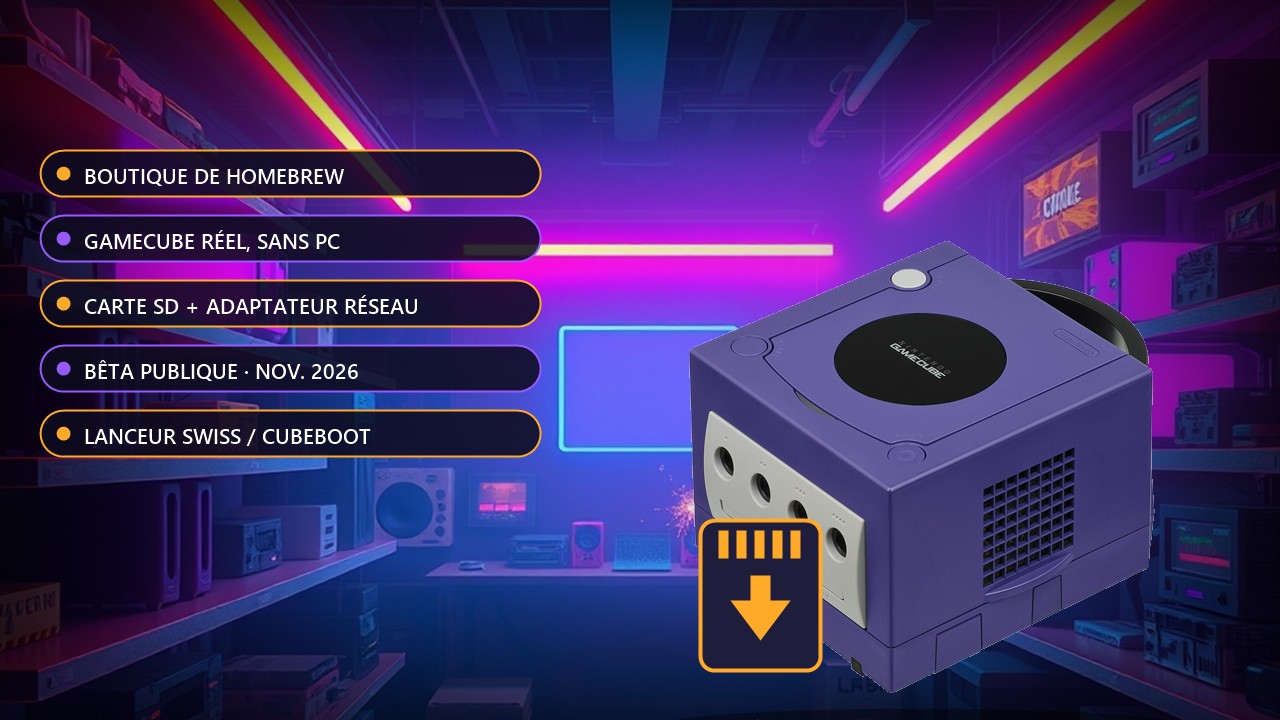
Dolphin Depot: a homebrew app store that runs on a real GameCube
Installing homebrew on a GameCube used to mean digging through forums and copying files by hand from a PC. A developer going by webhdx has just announced the public beta of Dolphin Depot, an app store that runs on the real console. Development started in February 2026 and the announcement is dated 2 November.
The catalogue gathers unofficial software: emulators, game launchers, tools to customise the display or change the resolution. You pick an app, install it to your SD card, and you are done. A desktop app and a web version also let you browse the catalogue from a computer.
To install straight from the console you need a network adapter: Nintendo's official Broadband Adapter or an ETH2GC. Nintendo's Modem Adapter and the FlippyDrive Ethernet Adapter are not supported.
What you need to use it
On the hardware side, the GameCube must be able to run unsigned code: a save-game exploit, a modchip (PicoBoot, PicoLoader) or an optical drive emulator (GC Loader, FlippyDrive). Storage can be an SD2SP2, an SD Gecko or an MMCE with a suitable SD card. The client then launches from Swiss, Cubeboot or Cubiboot.
The official guide takes five steps: download the client from the site (accepting the terms of service), extract the ZIP archive, copy the apps/dolphindepot/ folder to the root of the SD card keeping the folder structure, put the storage in the console and launch the client with Swiss, Cubeboot or Cubiboot, then browse the catalogue. The installation tutorial covers each point. This is a beta: features may still change, and the guide gives neither a firmware version nor a maximum SD card size.
Source: Time Extension