




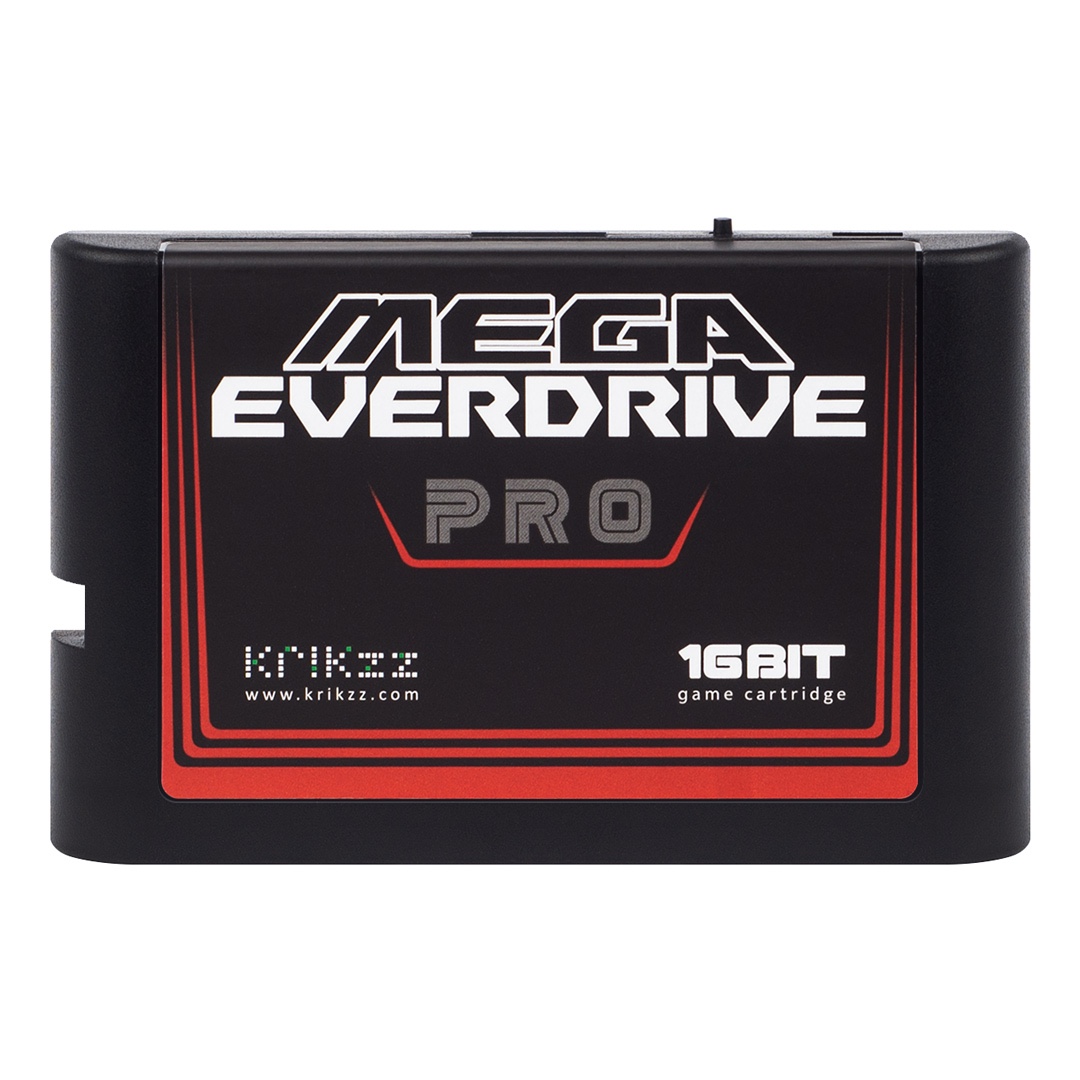
Mega EverDrive Pro: Firmware v26.0608 Overhauls Save States and Adds a File Manager
Ukrainian manufacturer Krikzz, known for its EverDrive flash carts, released a new firmware update for the Mega EverDrive Pro on June 8, 2026, the high-end cartridge compatible with the Mega Drive/Genesis, Master System, Mega CD and 32X. Dubbed v26.0608, the update focuses on day-to-day reliability and convenience rather than flashy new features.
The most anticipated change concerns save state handling, which is now far more stable: every game gets its own save subfolder, preventing slowdowns when the main folder contains thousands of files, while a recovery slot now protects against accidentally overwriting a save. The firmware also adds a proper file manager (cut, copy, paste) right from the cartridge menu, a cheat export feature that can now be applied to any ROM, and a new "Mode-A" launch mode that replaces the old "Last Game Autoboot" option.
A dedicated option for the long-forgotten 32X Extension Unit
For owners of an original Model 1 Mega Drive paired with a 32X, the firmware introduces an "Extension Unit" option that replicates the accessory Sega bundled back in the day to fix certain graphical glitches and crashes. The update also adds an SMS in-game menu button swap and enables cheats for MD+ and SVP mappers. The .efu update file can be downloaded directly from Krikzz's server and installs in seconds straight from the cartridge menu; the full installation steps, along with the Mega EverDrive Pro manual, are detailed in this official installation guide.
Source: Krikzz