




Jailbreaking Your New 3DS Or New 2DS XL In 2026: The Complete super-skaterhax Guide For Beginners
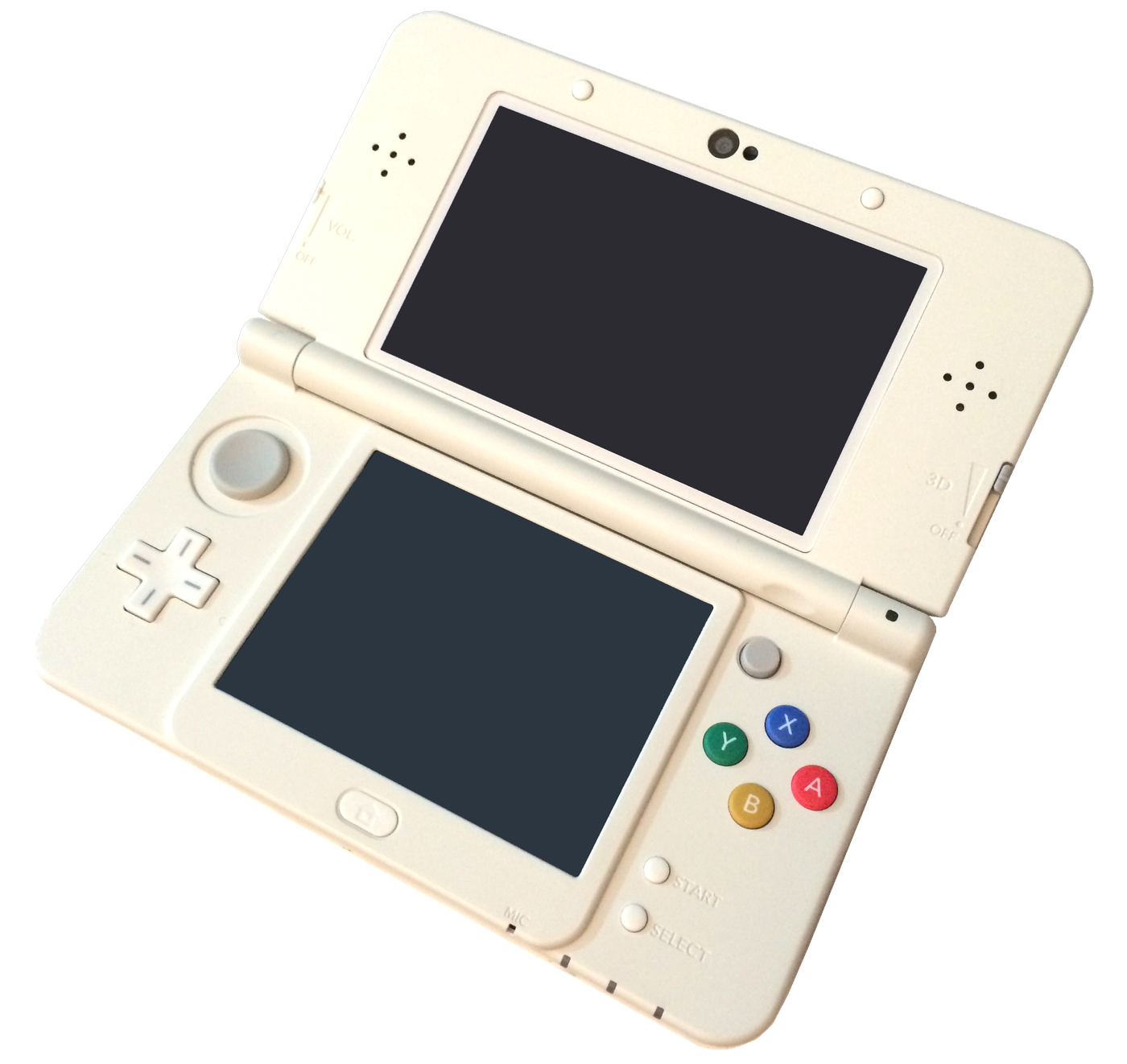
Our MSET9 guide was aimed at the classic 3DS, 3DS XL and 2DS. The New models (New 3DS, New 3DS XL and New 2DS XL) have a second option reserved for them: super-skaterhax, an exploit by zoogie that runs from the console's internet browser. It is the fastest way to install boot9strap and then Luma3DS, the reference custom firmware, but it has one flaw you should know about before diving in.
⚠️ Check your model and version before you start. This guide reflects the situation on 31 August 2026: super-skaterhax works only on New models (New 3DS, New 3DS XL, New 2DS XL) running firmware 11.15 to 11.17, in every region (Europe, Americas, Japan, Korea). It does not work on Old models. Conversely, MSET9 - the method in our other guide - is compatible with New models as well as Old ones: it is the officially recommended fallback when super-skaterhax refuses to cooperate. Check your exact model and version in System Settings → System Information, then confirm with the selector on the official 3DS Hacks Guide before you begin.
Requirements
You need: a New 3DS, New 3DS XL or New 2DS XL on firmware 11.15 to 11.17; the microSD card already in the console (no need to buy another); a computer to copy files onto that card; the super-skaterhax archive matching your region and system version EXACTLY, downloaded from zoogie's official GitHub repository; a working Wi-Fi connection on the console; and around twenty minutes of your time.
Installation steps
1. Note your region and exact version (System Settings → System Information), then download the super-skaterhax archive matching that precise pair. Extract it with Windows Explorer or 7-Zip: WinRAR is known to corrupt these files, so do not use it.
2. Power off the console, take out the microSD card, plug it into the computer and copy every extracted file to the root of the card. Make sure arm11code.bin sits at the root - it is the single most common cause of failure.
3. Put the card back, switch the console on, then head to System Settings → Other Settings to temporarily set the region and system date to the values the official guide lists for your version: both settings noticeably raise the exploit's success rate.
4. Open the console's internet browser, clear its browsing data from the settings, then go to the exploit address for your region, listed on the official guide's installation page.
5. Bookmark that page, clear cookies from the browser settings, then reopen the page from the bookmark and tap "GO GO!". If the screen fills with colours, the exploit worked and the Homebrew Launcher starts.
6. From the Homebrew Launcher, run nimdsphax: the console reboots into SafeB9SInstaller.
7. Enter the key combination shown on the top screen, let the checks turn green, then press A to reboot.
8. On the Luma3DS configuration screen that appears, keep the default settings and confirm with Start. Your console now boots into custom firmware.
9. Restore your region and system date to their original values, then follow the official guide's finishing setup section to install FBI, Checkpoint and the other essential tools.
If it does not work, do not force it
The official guide puts it bluntly: super-skaterhax is inconsistent, working first try for some people and never for others. A few classic failures and their fixes: no colours after "GO GO!" means the date or region is wrong; a frozen screen points to a missing arm11code.bin or one from the wrong archive; error 032-1035 indicates a connection block, and the PrepareArm9ForTwl error a DS-mode issue. For those last two, the official troubleshooting page points straight to MSET9. After three or four failed attempts, switch to the MSET9 procedure: it takes longer and demands more care, but it is reliable and lands you at exactly the same result.
Important warnings
A failed exploit does not brick the console: in nearly every case you simply start over cleanly. Never update your console once modded: with the 3DS eShop shut down, Nintendo can no longer patch the flaw through a standard automatic update, but a manual update from a physical game card is still possible and would break your CFW. Lastly, do not skip the NAND backup offered at the end of the procedure - it is your only insurance should anything go wrong later.
Source: 3DS Hacks Guide