




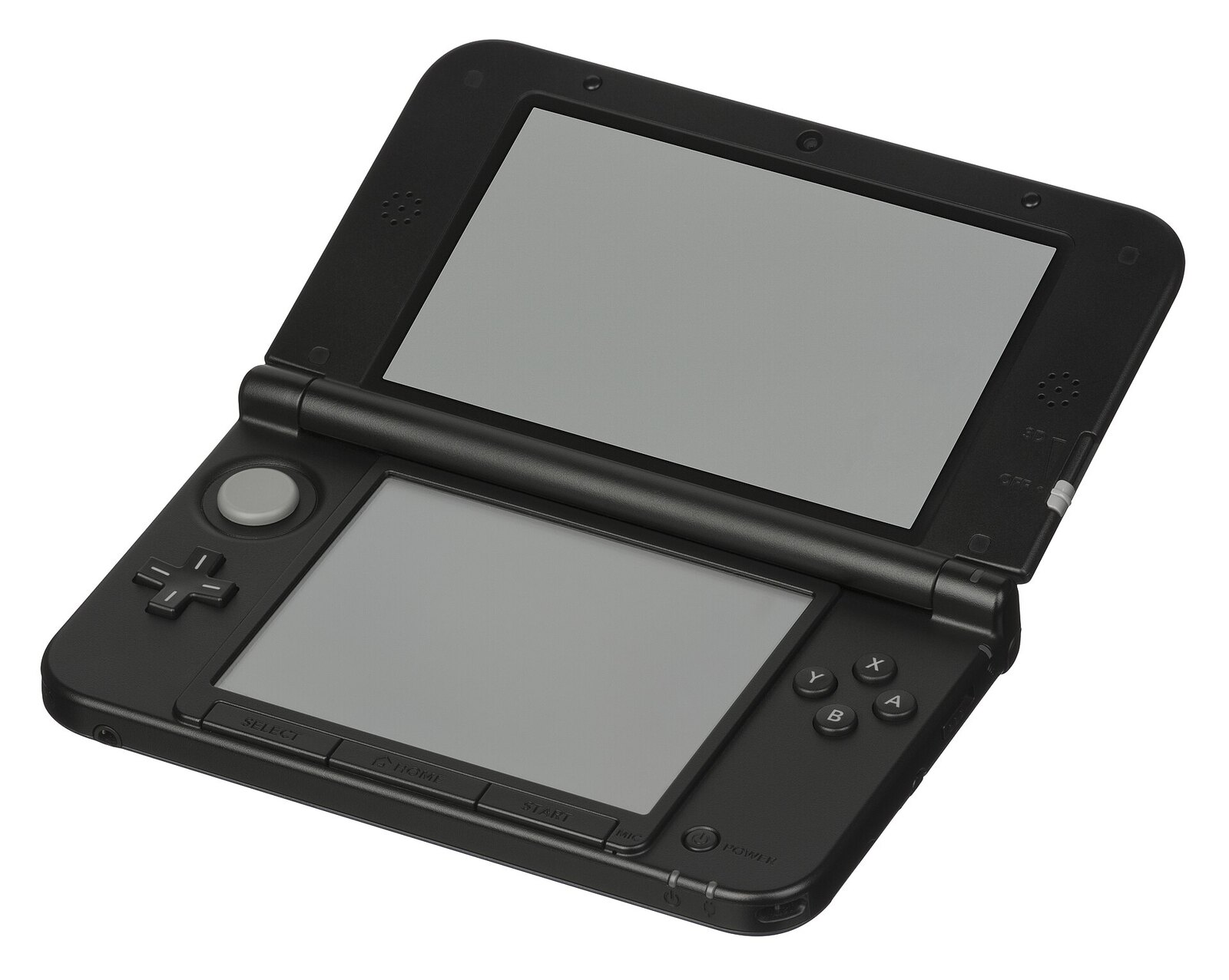
Jailbreaking Your 3DS Or 2DS In 2026: The Complete Beginner's Guide To MSET9 (Old And New Models)
Unlike the Wii U or the Switch, the 3DS doesn't rely on a single universal exploit: the right method changes depending on your exact console model. For regular 3DS, 3DS XL, and 2DS models as well as the New variants, the simplest option in 2026 is called MSET9: an exploit triggered from the System Settings app, with no web browser or compatible game required, that installs boot9strap and then Luma3DS, the console's go-to custom firmware.
⚠️ Check your model and version first. This guide reflects the situation as of August 31, 2026: MSET9 works on regular 3DS, 3DS XL, and 2DS models as well as on New 3DS, New 3DS XL, and New 2DS XL, on firmware 11.4 through 11.17 (the latest version available). New models additionally have an exploit of their own, super-skaterhax, which is faster but known to be inconsistent: the official guide specifically recommends falling back to MSET9 when it fails, and we cover it in a dedicated guide. Either way, check your exact model and version under System Settings → System Information, then use the official 3DS Hacks Guide's selector to confirm the method that matches your console precisely before starting.
Requirements
You'll need: a regular 3DS, 3DS XL, or 2DS (not New) on firmware 11.4 to 11.17; the SD card already in your console (no need to buy another one); a Windows, macOS, or Linux computer; Python 3.x installed on that computer if you're on Linux (all-in-one scripts skip the command line on Windows and macOS); the MSET9 files downloaded from the official GitHub repository; and about thirty uninterrupted minutes.
Installation steps
1. Check your exact version under System Settings → System Information, then download the latest MSET9 release: unzip the archive and copy all its files to the root of your SD card.
2. Insert the SD card into your computer, run the MSET9 script (double-click the .bat file on Windows or the .command file on macOS; on Linux, type python3 mset9.py from a terminal opened at the card's root), then enter your console's exact model and version.
3. Choose the option to create the MSET9 ID1, accept the warnings shown, remove the SD card from the computer, and reinsert it into the still-powered-off console.
4. Turn the console on, launch Mii Maker up to its welcome screen, then exit without changing anything; next, go to System Settings → Data Management → Nintendo 3DS → Software, and reset the data for the app indicated by the guide.
5. Run the MSET9 script again on your computer to confirm the status shows "Ready."
6. On the console, open System Settings → Data Management → Nintendo 3DS → Extra Data again, then - without pressing any button - remove the SD card while the console stays on.
7. Trigger the injection from the MSET9 script on your computer, then immediately reinsert the SD card into the console without touching anything: it should boot directly into SafeB9SInstaller.
8. Enter the button combination shown on the top screen, let all seven steps turn green, press A to reboot, then keep the default settings on the Luma3DS configuration screen and confirm with Start.
9. Don't skip this final step: run the MSET9 script one last time to delete the trigger file and fully remove MSET9 from the SD card.
Important warnings
These instructions must be followed exactly in the order given by the official guide: a skipped or reordered step usually just stops the exploit from working with no risk of damage, so you can simply start over cleanly. Skipping the final cleanup step (removing MSET9 from the SD card), however, can cause random app crashes down the line. Never update your console once it's modded: since the 3DS eShop is closed, Nintendo can no longer patch the flaw through a standard automatic update, but a manual update via a physical game card is theoretically still possible and would break your CFW.
For full documentation, the model selector, and always up-to-date download links, check the official 3DS Hacks Guide.