




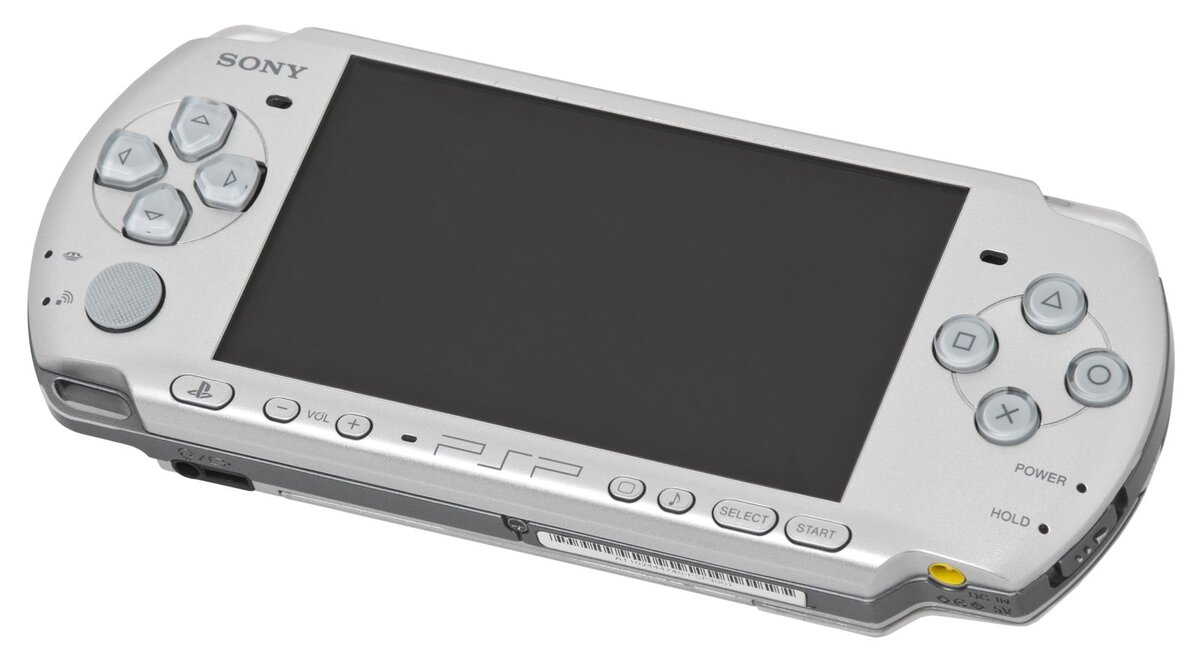
Jailbreaking your PSP in 2026: the complete beginner's ARK-4 guide
Every PSP model (1000, 2000, 3000, Go or Street) can now run custom firmware thanks to ARK-4, a full rewrite of the venerable PRO CFW built to be more stable and easier to use. Once installed permanently, it lets you launch games from your memory card, emulators, plugins and plenty of other homebrew, with nothing to redo at every boot.
⚠️ Check your firmware version first. This guide reflects the situation as of August 12, 2026: ARK-4 installs permanently on PSPs running official firmware (OFW) 6.60 or 6.61. Worth noting, the ARK-4 project hit its final version (v4.20.69 r206) in early August 2026 and its repository has since been archived: it remains fully functional and recommended, but won't receive further updates, with development now continuing under the name ARK-5. If a newer guide mentions ARK-5 as the recommended method by the time you're reading this, go with that instead.
Prerequisites
You'll need: a PSP of any model, ideally already running official firmware 6.60 or 6.61 (if not, an official update via Memory Stick is required first); a Memory Stick card (or microSD with an adapter, depending on the model); a computer with a card reader; a USB cable if your PSP supports it; and a full battery charge or a charger plugged in throughout the installation.
Installation steps
1. Check your model and current firmware version under Settings → System Information.
2. If you're not yet on official 6.60 or 6.61, update your PSP to that version first via Settings → System Update.
3. Download the latest stable ARK-4 release from the official GitHub repository and place the files on your memory card following the folder structure listed in the documentation.
4. From the PSP's Game → Memory Stick menu, launch the cIPL installer: this is the recommended permanent installation method, the most stable and least risky.
5. Let the installer flash the firmware without interruption; the console reboots on its own once it's done.
6. The ARK-4 logo should appear on boot: your CFW is now permanently active, and you can configure plugins and the launcher directly from the dedicated XMB menu.
Important warnings
Never cut the power, remove the battery, or unplug the cable during the cIPL installer's flashing step: that's the only point in the process where a brick is actually possible. Keep your PSP fully charged or plugged into mains power throughout the install. Since the PSP is no longer sold or under active warranty, there's no commercial risk involved, but RetroVault only endorses using backups of games you legally own.
For full documentation and up-to-date files, check the official ARK-4 wiki.
Image credit: “PSP-3000-Silver” by Evan-Amos, licensed under CC BY-SA 3.0, via Wikimedia Commons (resized).