




Compatible emulators
>📂 Location: /userdata/bios
Source: Batocera batocera-systems + wiki (systems:electron). Place these files under /userdata/bios (paths are relative to /userdata).
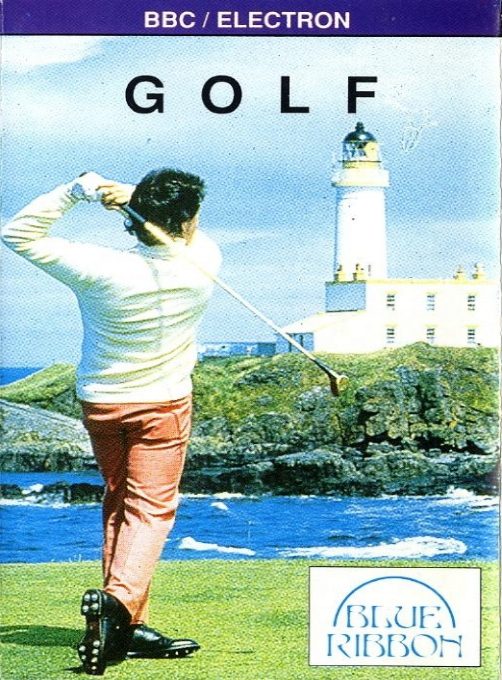
Golf (Blue Ribbon)
Synopsis
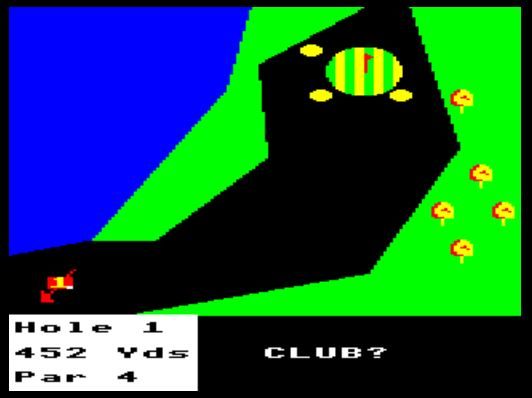
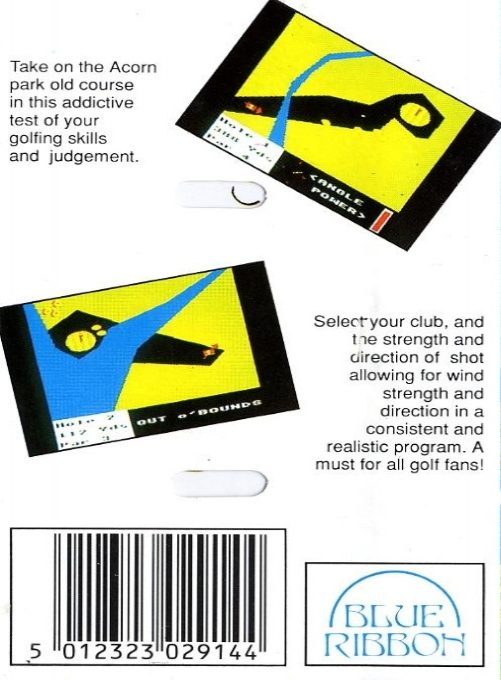
Take on the old Acorn Park course in this addictive test of your golf skills and judgment. Select your club, as well as the power and direction of your shot, taking into account wind speed and direction in a consistent and realistic simulation. A must-play for all golf fans!
Each hole will be displayed graphically on the screen. You’ll first be prompted to choose a club. The available clubs are as follows: Woods 1–4—enter 1W or 3W, etc.—and Irons 1–9 and S (sand wedge)—enter 4 or 8, etc. You then set a direction indicator at the bottom of the screen. Set the shot direction using the Z key (counterclockwise) and X key (clockwise), adjust the shot power with the up and down arrow keys, then press RETURN. Once you’ve successfully reached the green zone, the screen will change to display green, and you’ll be prompted to specify the direction and strength.
Publisher
Blue Ribbon
Players
1
Taille
2.89 KB
Format
UEF
Available versions
Download your preferred version below



No comments yet. Be the first to comment!