




Compatible emulators
>📂 Location: /userdata/bios
Source: Batocera batocera-systems + wiki (systems:o2em). Place these files under /userdata/bios (paths are relative to /userdata).
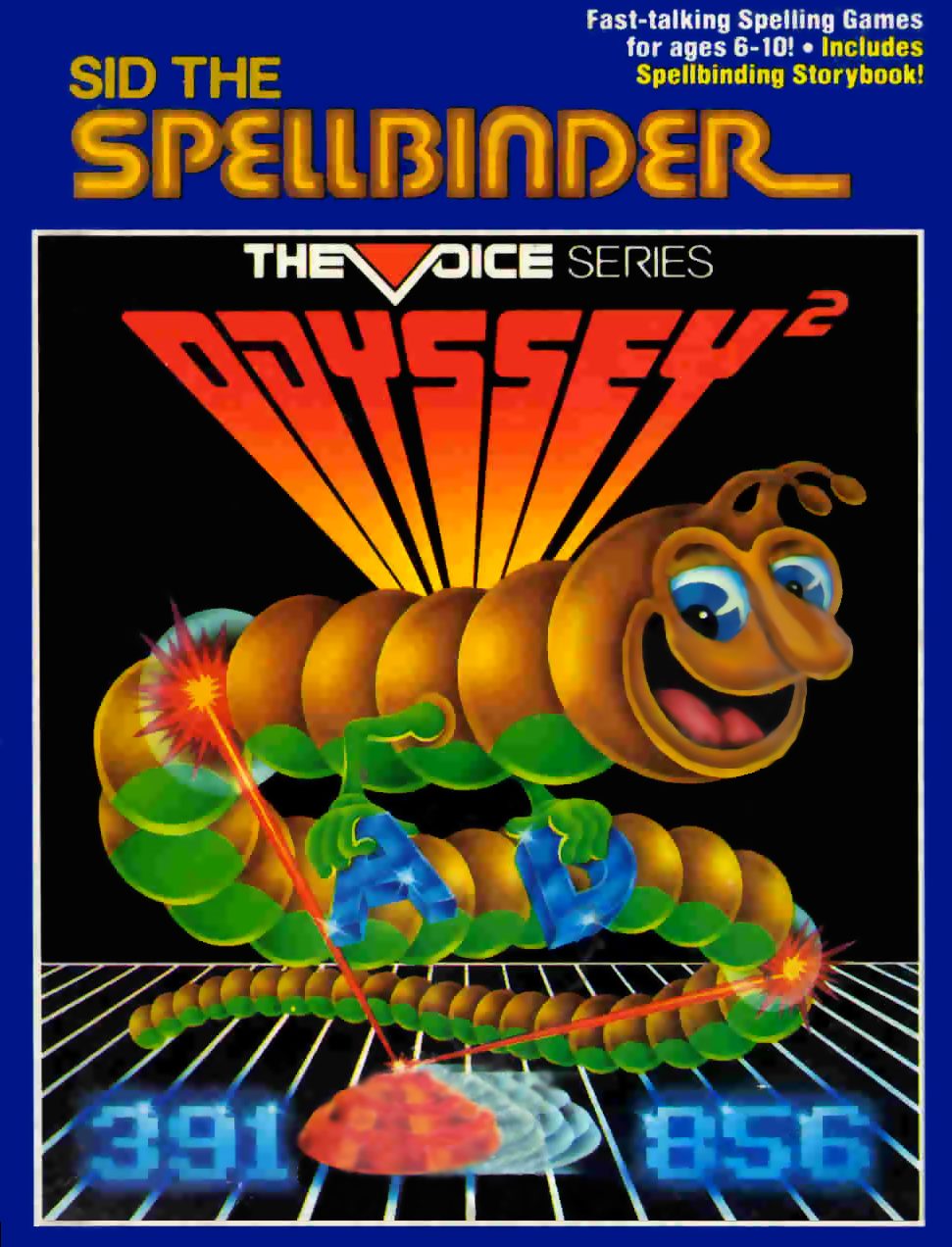
Sid The Spellbinder
Synopsis
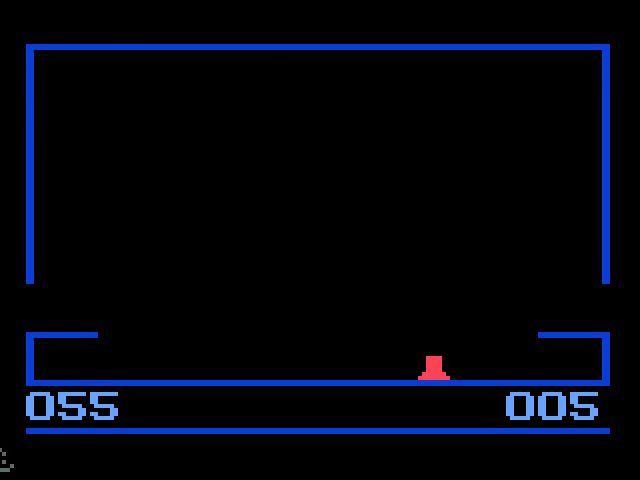
Press 0 in the numeric section of the keyboard. The voice will ask you to “SELECT SKILL”. Choose 1 or 2. Press 1 for the first skill level. Press 2 for the second skill level. (If you don't press either, the computer will automatically transmit skill level 2 after about 15 seconds.) The voice will immediately announce: "MONSTER ATTACK! OPEN FIRE!" Sure enough! Giant Sid the Spellbinder snakes across the screen. Your only defense is a missile launcher at the bottom of the screen. Use the joystick of each hand control to move your missile launcher right or left. Press the action button to fire a missile. Your ammo supply is indicated by the number in the lower right corner of the screen. You get thirty missiles at skill level 1 and twenty missiles at skill level 2. If you don't completely destroy Sid the Spellbinder before he reaches the opening at the bottom left and right of the screen, he eats your missile supply starting with the second round. Sid the Spellbinder consumes five missiles for each of his segments that make him open. Your score appears in the lower left corner of the screen. Each segment you touch is worth progressively more points. The first segment you touch is worth 1 point. The second is worth 2 points. The third is worth 3 points - and so on up to ten. If your score is below 200, Sid the Spellbinder will squeeze his remaining segments together when he exits the screen. When your score exceeds 200, the game becomes more difficult. The holes will remain open and Sid the Spellbinder moves faster and faster. The spelling fun begins when you hit all ten segments of Sid the Spellbinder - or when it reaches the bottom of the screen. - eats some of your missiles - but leaves you in reserve. The Voice will ask you to spell a word. Type letters on the alphabet section of the keyboard. If you make a mistake while typing, press CLEAR. When you think you have entered the correct spelling, press ENTER. You get 10 missiles for each word spelled correctly at skill level 1. You get 5 missiles for each word spelled correctly at skill level 2. You will have the opportunity to spell three words in each part of the game. If you spell a word incorrectly the first time, the computer will ask you to try again. If you spell the word incorrectly on the second try, the computer will spell it for you so you know how to spell it the next time. After each set of three words, Sid the Spellbinder will attack and try to eat your missiles. The game ends when you run out of missiles. To start a new game, press RESET then press 1 (for skill level 1) or press 2 (for skill level 2).
Developer
Philips Interactive Media
Publisher
Philips Interactive Media
Players
1
Taille
2.77 KB
Format
ZIP
Available versions
Download your preferred version below
 USA
USA

No comments yet. Be the first to comment!