




Compatible emulators
>📂 Location: /userdata/bios
Source: Batocera batocera-systems + wiki (systems:bbc). Place these files under /userdata/bios (paths are relative to /userdata).
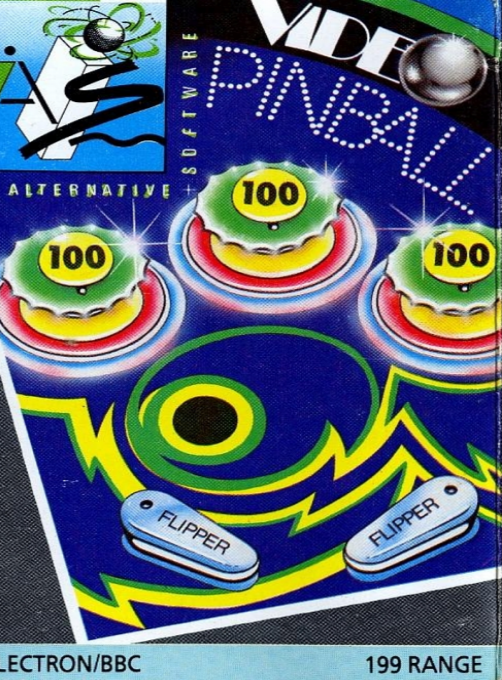
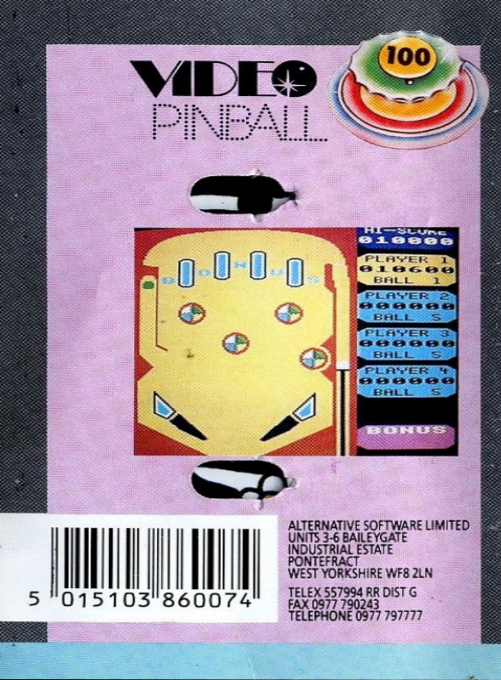
Video Pinball
Synopsis
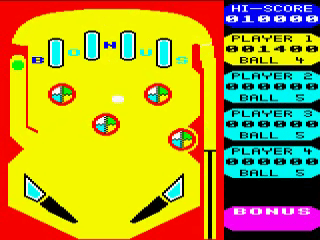
Just like on a real pin table, the controls are simple. The space bar is used for the piston that pushes the ball onto the table. The speed of the ball can be changed by adjusting the time you hold the spacebar. Once in play, the ball bounces on the different obstacles. These obstacles not only determine your score, but quickly change the speed and direction of the ball. When it falls to the bottom of the board, you can push it back using the "Z" and "?" which control the left and right pinball machines. With subtle use of pinball machines, you can aim the ball towards the bonus channel on the left of the screen. Success will cause chaos to erupt as numbers and colors flash everywhere and a bonanza of sounds occurs. You should also aim to get the ball through each of the channels at the top of the table so that the letters B, O, N, U and S all change color and give your score a nice boost. Inevitably, the ball will either fall into one of the drains on the side - there's nothing you can do about that - or you'll miss a ball with your pinball machines. In either case, you can now move on to your next ball. In total you get five balls and the game can accommodate up to four players. Each competitor uses a ball in turn and everyone aims to reach the high score table.
Publisher
Alternative Software
Players
1-4
Taille
11.25 KB
Format
SSD
Available versions
Download your preferred version below
 Europe



No comments yet. Be the first to comment!