





Tous les guides
Dans ce guide
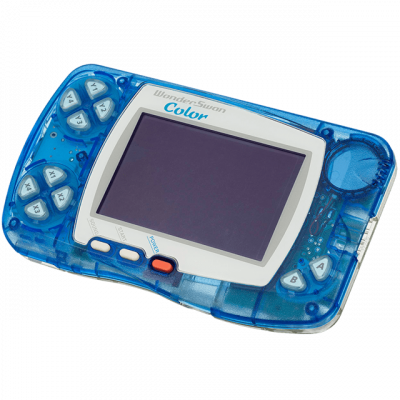
Core RetroArch (Cygne) pour WonderSwan/Color. Il couvre les machines suivantes : WonderSwan, WonderSwanColor.
1. Installation
- Dans RetroArch : Charger un cœur → Télécharger un cœur.
- Cherche Beetle Cygne dans la liste et installe-le.
- Reviens au menu principal, puis Charger un contenu pour ouvrir ton jeu.
2. Formats acceptés
.ws .wsc
3. À savoir
- Les réglages se trouvent dans Menu rapide → Options, une fois le jeu chargé.
- Pense à Sauvegarder les options du cœur pour les conserver d'une session à l'autre.
- Les manettes se configurent une bonne fois dans Paramètres → Entrée, pour tous les cœurs.
- Un réglage qui convient à une machine ne vaut pas forcément pour les autres : ajuste au cas par cas.
4. Ça ne marche pas ?
- Le jeu n'apparaît pas → vérifie que son extension figure parmi les formats listés plus haut.
- Le cœur ne se charge pas → mets RetroArch à jour, puis réinstalle-le.