




All guides
DCexel 2024.05.12
Il s'agit du premier émulateur de EXL100, Exeltel, Exeltel VS, Exeltel VX, Amper, Comtel.
Download the emulatorIn this guide
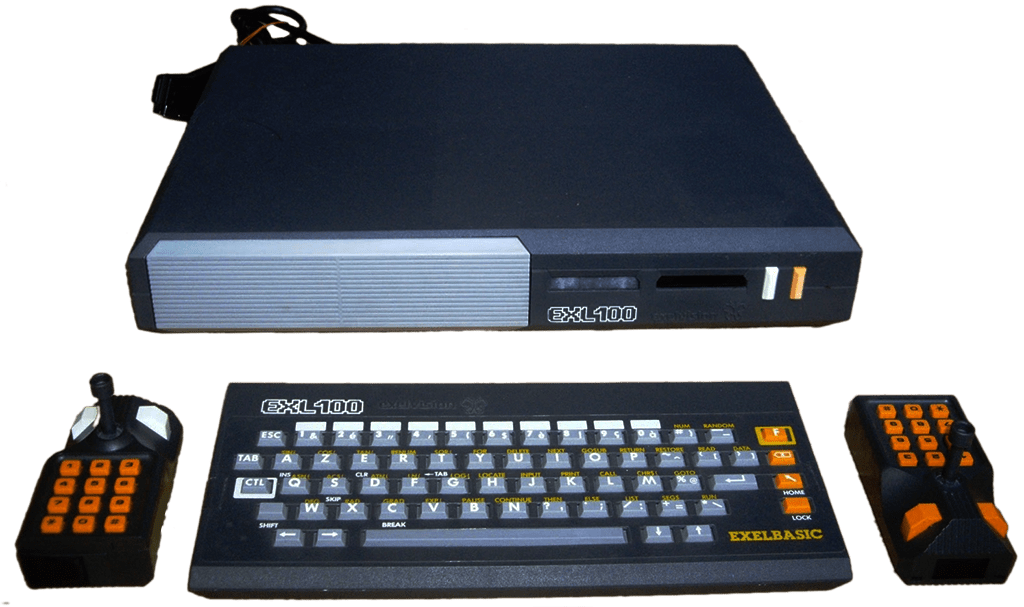
This is the first emulator for the EXL100, Exeltel, Exeltel VS, Exeltel VX, Amper, and Comtel. It covers the machine: Exelvision EXL 100.
1. Installation
- Download the latest version from the project's official website.
- Extract the archive into a dedicated folder.
- Launch it once: it will create its configuration and subfolders.
2. Good to know
- Set up your controller on the very first launch: it's the biggest time-saver.
- Save states let you pick up where you left off, in addition to the game's own saves.
3. Not working?
- The game doesn't appear → check that its extension is among the formats listed above.
- Crashes on launch → relaunch from a folder the emulator has write permission to.