




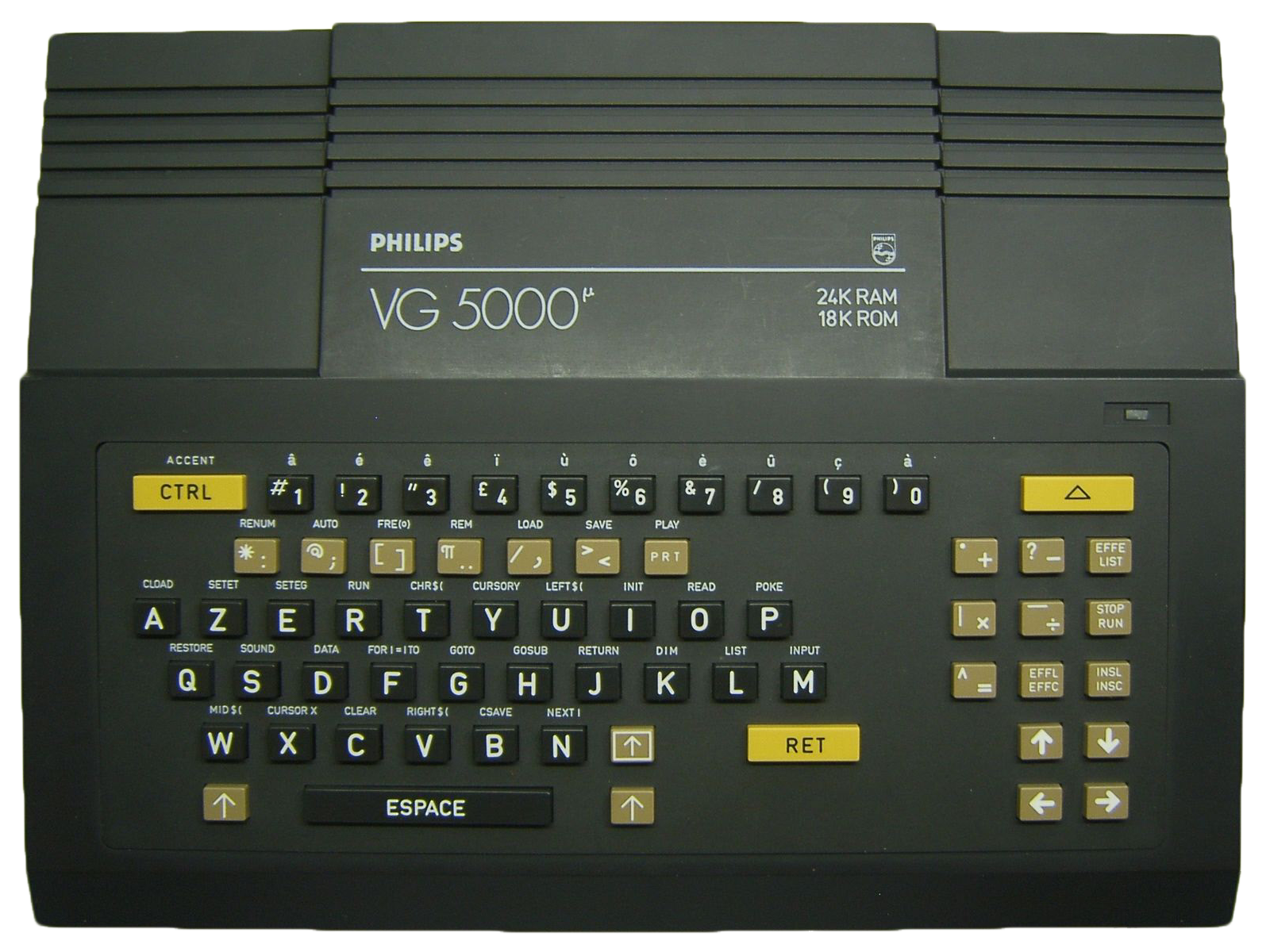
DCVG5K (Direct X)
Le tout premier émulateur Philips VG5000 créé par Daniel Coulom...
- DCVG5K est un émulateur de l'ordinateur VG5000, construit par Philips, Radiola et Schneider dans les années 1980.
- Il fonctionne sur PC avec tous les systèmes Windows 32 bits, à partir de Windows 98.
- Il est programmé en langage C, utilise l'API Windows et DirectX.
- L'émulation du microprocesseur Z80 est assurée par l'excellent programme de Marat Fayzullin.
- L'émulation du microcontrôleur video EF9345 a été développée spécialement pour DCVG5K et pour DCAlice (émulateur Alice 32 et Alice 90 de Matra et Hachette).
- L'interface utilisateur est bilingue : Anglais / Francais
In this guide
The very first Philips VG5000 emulator, created by Daniel Coulom... - DCVG5K is an emulator for the VG5000 computer, built by Philips, Radiola and Schneider in the 1980s. - It runs on PC with any 32-bit Windows system, starting from Windows 98. - It is programmed in C, and uses the Windows API and DirectX. - Z80 microprocessor emulation is handled by Marat Fayzullin's excellent program. - Emulation of the EF9345 video microcontroller was developed specifically for DCVG5K and for DCAlice (the Alice 32 and Alice 90 emulator by Matra and Hachette). - The user interface is bilingual: English / French. It covers the machine: Philips VG-5000.
1. Installation
- Download the latest version from the project's official website.
- Extract the archive into a dedicated folder.
- Launch it once: it will create its configuration and subfolders.
2. Good to know
- These machines often boot to a command prompt: the game is launched with a command, not from a menu.
- Emulation speed matters: if it's too fast, the software becomes unplayable. Look for the speed or cycles setting.
- The keyboard is the main input device; the emulated layout may differ from your own.
3. Not working?
- Game doesn't show up → check that its extension is among the formats listed above.
- Software runs too fast or too slow → adjust the emulation speed before anything else.