




All guides
Demul
Émulateur Dreamcast/NAOMI/Atomiswave/Hikaru (Windows). Support Vulkan/D3D12, haute compatibilité arcade NAOMI/Atomiswave.
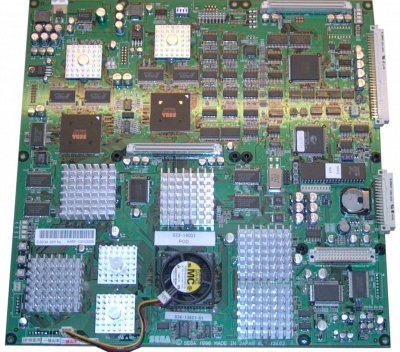
Download the emulatorDreamcast/NAOMI/Atomiswave/Hikaru emulator (Windows). Supports Vulkan/D3D12, with high NAOMI/Atomiswave arcade compatibility. It covers the machine: Hikaru.
1. Installation
- Download the latest version from the project's official website.
- Extract the archive into a dedicated folder.
- Launch it once: it will create its configuration and subfolders.
2. System files
This emulator relies on files taken from the original hardware. Extract them from hardware you own.
Files expected according to our sheet:
dc_boot.bindc_flash.binnaomi.zipnaomi2.ziphikaru.zip
Indicated location: /bios/demul/
BIOS varies by system: dc_boot.bin + dc_flash.bin (DC), naomi.zip (NAOMI), hikaru.zip (Hikaru)
3. Supported formats
.zip
ZIP archives load directly, with no need to extract them first.
4. Good to know
- Arcade games stay zipped: do not extract them.
- It's best to use a romset that matches the emulator's version: this avoids most verification errors.
- Many arcade cabinets require inserting a coin before starting the game.
- On these machines, increasing the render resolution noticeably improves the image; lower it a notch if it runs poorly.
5. Not working?
- Refuses to start or black screen → a system file is missing, misnamed, or not in the expected location.
- File rejected → its checksum doesn't match the expected one; the dump is probably incomplete or comes from a different model.
- The game doesn't show up → check that its file extension is among the formats listed above.
- Verification error at startup → the romset does not match the emulator's version.