




All guides
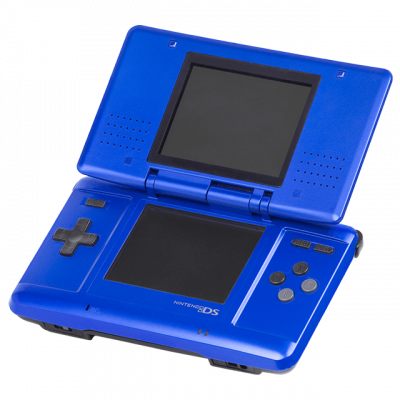
DeSmuME
Émulateur Nintendo DS historique, large compatibilité. Idéal pour les jeux courants avec support 3D et cheats intégrés.
Download the emulatorDeSmuME emulates the Nintendo DS without requiring system files, unlike melonDS. It's the simplest choice for getting started quickly.
1. Getting started
- Download it from the project's official site.
- Open an
.ndsfile — that's it.
External BIOS and firmware remain optional: DeSmuME ships with its own built-in versions. Providing real console ones gives a more hardware-accurate boot and unlocks a few extra features — it's not a matter of performance.
2. Setting up the two screens
- View → LCDs Layout: side by side, one above the other, or a single screen.
- Side by side is generally more comfortable on a wide monitor.
- The touch screen is controlled with the mouse — left-click to touch.
3. Recommended settings
- 3D engine: OpenGL with an increased resolution to smooth out the 3D.
- Enable Enable HQ audio for cleaner sound.
- The microphone can be simulated with a keyboard key, useful for games that require it.
4. DeSmuME or melonDS?
DeSmuME to get started without providing anything. melonDS if you want maximum accuracy, DSi mode, or emulated local multiplayer — at the cost of system files to extract.