





All guides
Dolphin
GameCube/Wii emulator, absolute reference. Upscaling 4K, netplay, GBA Link support, Wii Motion, cheat codes and enhancements.
Download the emulatorIn this guide
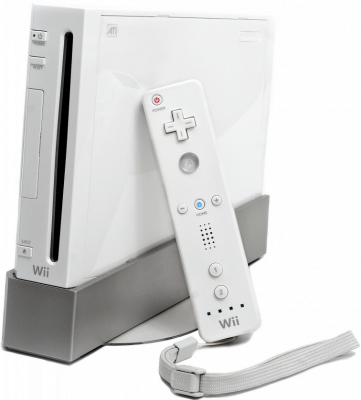
Dolphin emulates the GameCube and the Wii, and it's one of the most polished emulators out there. Good news: no BIOS is required.
1. Installation
- Download the stable version or a beta from the project's official website.
- On first launch, add your games folder via Settings → Paths.
2. Game formats
- RVZ — Dolphin's own format, losslessly compressed. It's the best choice: a 4.7 GB Wii game often drops below 1.5 GB.
.iso,.gcm,.wbfs,.cisoand.gczalso work. NKit images must be reconverted before use.- You can convert any ISO to RVZ from within Dolphin: right-click the game → Convert File.
3. Recommended settings
- Graphics backend: Vulkan (or Direct3D 12 on Windows).
- Internal resolution: 1080p or 1440p. GameCube games handle the resolution boost very well.
- Asynchronous shader compilation: enabled — removes stutter during the first minutes of gameplay.
- For the Wii, set up your controller under Controllers → Emulated Wiimote.
4. Not working?
- Stuttering at first, then it settles down → normal, that's shader compilation. Enable asynchronous mode.
- Wii game refuses to start → some titles require the Wii Menu installed via NAND. Check the game's compatibility page.