





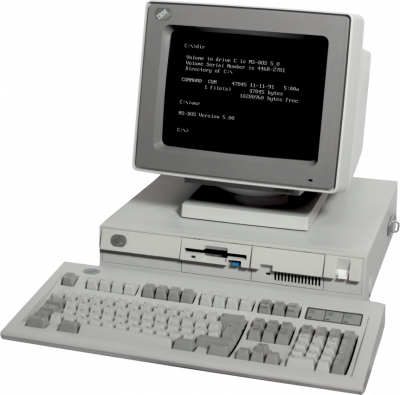
DOSBox-X emulates a PC running MS-DOS, with far more options than classic DOSBox. It's powerful, but you'll need to accept typing a few commands.
1. The essential commands
DOSBox-X starts at a DOS prompt. Three commands are enough to launch most games:
mount C: C:\my-games— maps a folder on your PC to the virtual C: drive.C:— switches to that drive.cd game-namethen the name of the executable (.exe,.com, or.bat).
For a CD image: imgmount D: game.iso -t iso.
2. Automating the mount
Edit the DOSBox-X configuration file and place your commands in the [autoexec] section, right at the bottom. They will run every time it starts — you won't have to type anything again.
3. Adjusting the speed
This is the most confusing part: a 1990 game will run far too fast on a poorly configured modern machine.
- Ctrl + F11 slows down, Ctrl + F12 speeds up.
- The cycles counter is shown in the window title.
- As a rough guide only: a few thousand cycles for an early-90s title, more for a later game. Each game has its own sweet spot.
4. Sound
Most DOS games require you to configure the sound card within their own installer (often SETUP.EXE or INSTALL.EXE). Choose Sound Blaster 16, address 220, IRQ 7, DMA 1 — DOSBox-X's default values.