




All guides
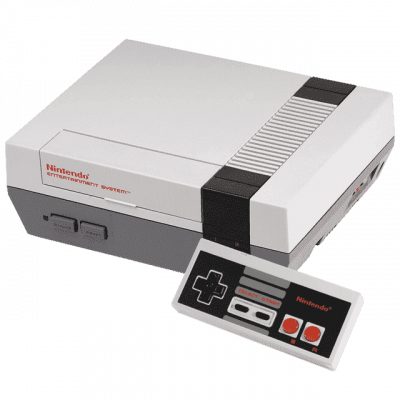
FCEUmm
Cœur RetroArch NES/Famicom, basé sur FCE Ultra. Gère le Famicom Disk System (disksys.rom requis pour le FDS).
Download the emulatorRetroArch NES/Famicom core, based on FCE Ultra. Supports the Famicom Disk System (disksys.rom required for FDS). It covers the following systems: NES, Nintendo Family Computer Disk System.
1. Installation
- In RetroArch: Load Core → Download a Core.
- Search for FCEUmm in the list and install it.
- Return to the main menu, then Load Content to open your game.
2. System files
This emulator relies on files taken from the original machine. Extract them from hardware you actually own.
Files expected according to our listing:
disksys.rom (for FDS)
Indicated location: bios/
Lightweight alternative
3. Supported formats
.nes .fds .unf .unif
4. Good to know
- Set up your controller the first time you launch it: this is the single biggest time-saver.
- Save states let you resume exactly where you left off, in addition to the game's own saves.
- A setting that works well for one system won't necessarily suit another: adjust on a case-by-case basis.
5. Not working?
- Refuses to start or black screen → a system file is missing, misnamed, or not in the expected location.
- File rejected → its checksum doesn't match the expected one; the dump is probably incomplete or comes from a different model.
- The game doesn't show up → check that its file extension is among the formats listed above.
- Crashes on launch → relaunch it from a folder where the emulator has write permission.