





All guides
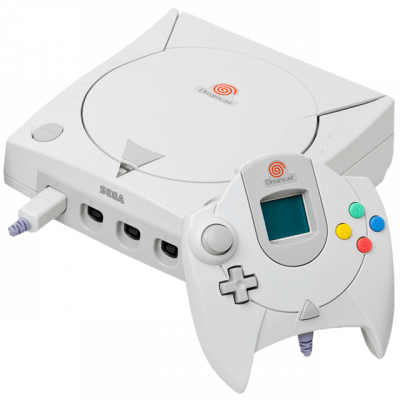
Flycast
Dreamcast emulator, NAOMI and multiplatform Atomiswave. Support Vulkan and OpenGL, option upscaling and widescreen hack.
Download the emulatorIn this guide
Flycast emulates the Dreamcast and Sega's whole arcade family (Naomi, Naomi 2, Atomiswave). It's available as a standalone build and as a RetroArch core.
1. System files
- For the Dreamcast, you need
dc_boot.binanddc_flash.bin, extracted from your own console. - Place them in the location shown on this page (right-hand column): the
datafolder for the standalone build, RetroArch'ssystemfolder for the core. - For the Naomi and Atomiswave arcade boards, each system has its own BIOS, to be placed in the same location.
2. Game formats
- CHD — the best choice for the Dreamcast: a single file, lossless compression.
.gdiwith its tracks,.cdi— also work but generate lots of files.- Arcade: zipped romsets, same as MAME.
3. Recommended settings
- Renderer: Vulkan if your card supports it, otherwise OpenGL.
- Internal resolution: 2x or 3x — the Dreamcast is lightweight, you can raise it without worry.
- Enable Widescreen to switch some games to 16:9 without distortion.
- The VMU (virtual memory card) is created automatically on first launch.
4. Not working?
- "Cannot find BIOS" → files missing from the
datafolder, or misnamed. - An arcade game refuses to start → the specific BIOS for that board is missing (Naomi ≠ Atomiswave).