




LowRes NX
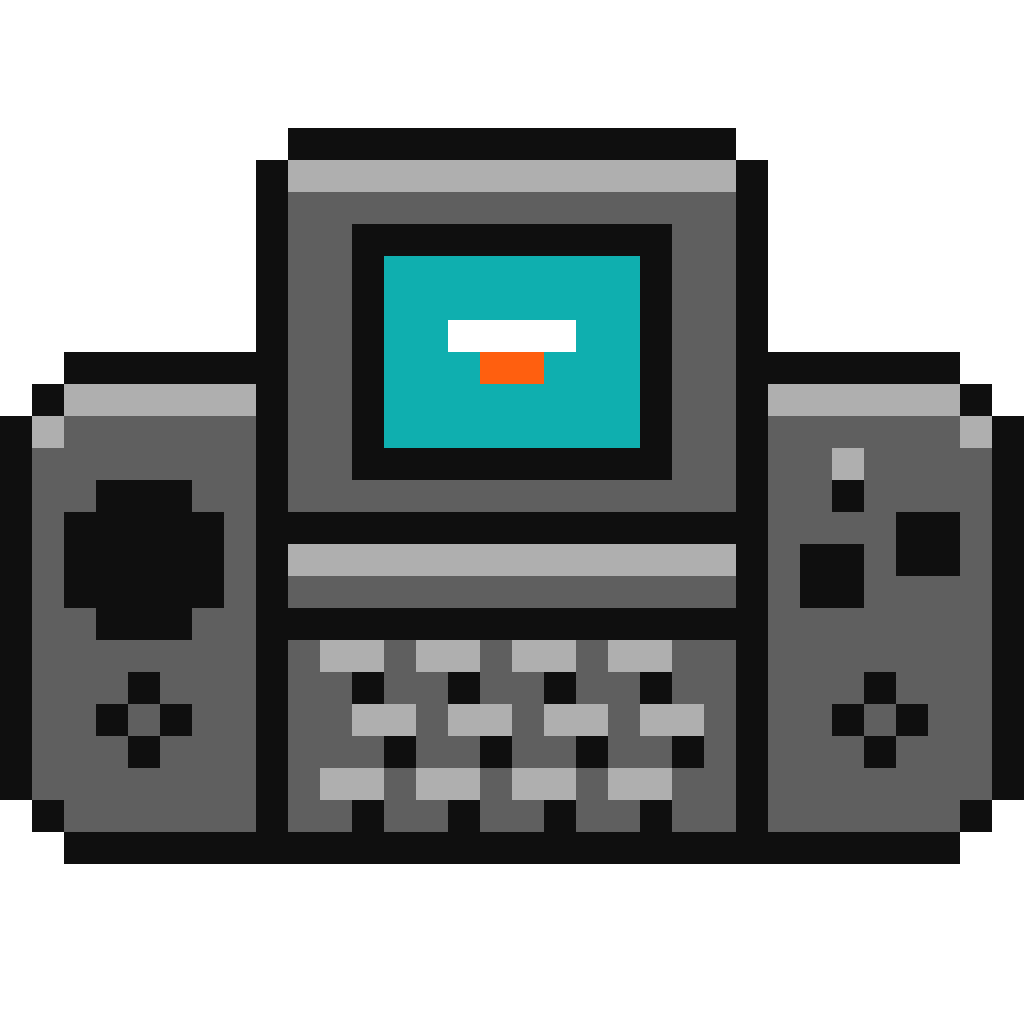
Imaginez LowRes NX comme une console de jeux portable dotée d'une croix directionnelle, de deux boutons d'action et d'un petit clavier en caoutchouc sous un écran tactile coulissant. Inspirée des véritables systèmes 8 et 16 bits, LowRes NX simule des puces graphiques, sonores et d'entrée/sortie fonctionnant comme du matériel d'époque. Elle prend en charge les sprites matériels ainsi que le défilement parallax matériel, et propose même des interruptions verticales et raster pour créer des effets rétro authentiques.
Download the emulatorIn this guide
Think of LowRes NX as a handheld game console with a D-pad, two action buttons, and a small rubber keyboard under a sliding touchscreen. Inspired by real 8- and 16-bit systems, LowRes NX simulates graphics, sound, and I/O chips that behave like period-accurate hardware. It supports hardware sprites and hardware parallax scrolling, and even offers vertical and raster interrupts to create authentic retro effects. It covers the machine: LowRes NX.
1. Installation
- Download the latest version from the project's official website.
- Extract the archive into a dedicated folder.
- Launch it once: it will create its configuration and subfolders.
2. Supported formats
.nx
3. Good to know
- Set up your controller the first time you launch it — this is what saves the most time.
- Save states let you pick up where you left off, in addition to the game's own saves.
4. Not working?
- Game doesn't show up → check that its extension is among the formats listed above.
- Crashes on launch → relaunch it from a folder where the emulator has write permission.