




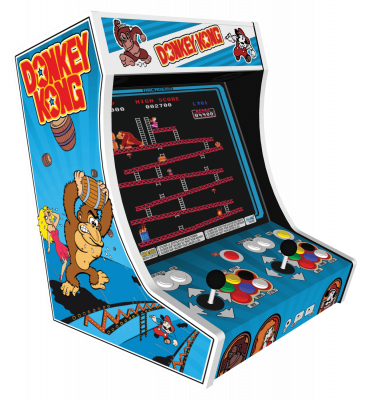
MAME
Multi Arcade Machine Emulator - référence arcade. Selon le type de ROM utilisé, soit aucun n'est requis, soit un est requis pour chaque jeu auquel vous souhaitez jouer, soit un seul fichier BIOS est nécessaire pour un groupe de jeux.
Download the emulatorMAME emulates thousands of arcade cabinets and old machines. It's by far the most demanding entry on this list, for one specific reason: each version of MAME expects a file set that matches that exact version.
1. Understanding the versioning rule
Unlike other emulators, MAME doesn't just accept any game file. Each version (0.278, 0.279…) expects a "romset" of the same version. A romset meant for a different version produces the classic WRONG CHECKSUMS or files are missing error.
The rule of thumb: keep your MAME version and your romset version aligned. A mismatch remains the most common cause of verification errors — some games tolerate the gap, many don't.
2. File organization
- Games stay zipped — unlike every other emulator on this list, don't extract them.
- Place them in MAME's
romsfolder. - Some games need "parent" files (split or merged romsets): if
sf2ce.zipwon't start, it's probably missingsf2.zip. - Arcade BIOS files (Neo-Geo, for instance,
neogeo.zip) also go inroms.
3. First settings
- Tab during a game opens the configuration menu.
- Configure controls per game, or globally under Input (general).
- Many cabinets require inserting a coin (5) before starting (1).
- A front-end like MAMEUI or QMC2 makes the whole experience much more comfortable.
4. Not working?
- "WRONG CHECKSUMS" → the romset and MAME version don't match.
- "Files are missing" → the parent romset or the cabinet's BIOS is missing.
- Test screen at startup → normal on some cabinets, let it run or press the service key.