





All guides
mGBA
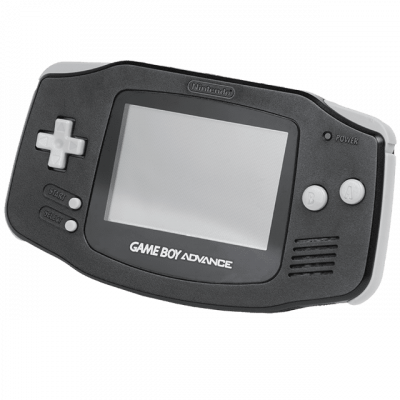
Modern and accurate Game Boy Advance emulator. Also supports Game Boy and Game Boy Color. State backups, rewinding, emulated Link cable.
Download the emulatormGBA is the go-to Game Boy Advance emulator: accurate, lightweight, and it also handles Game Boy and Game Boy Color. Nothing to configure to get started.
1. Installation
- Download it from the project's official site (Windows, macOS, Linux, Android).
- Open your game: no system file is needed.
The GBA BIOS remains optional: mGBA works perfectly without it. Providing it gives you the original boot animation and hardware-accurate behavior on a few titles — it makes no difference to performance.
2. Supported formats
.gba, .gb, .gbc, and .zip archives — mGBA can read directly from a zip, unlike many others.
3. Features worth knowing
- Save states — 9 slots, with a visual preview.
- Rewind — go back a few seconds.
- Emulated link cable — multiple instances can communicate, for Pokémon trades for example.
- Sensors — emulated gyroscope and solar sensor, essential for Boktai or WarioWare Twisted.
4. Recommended settings
- Video filter: none if you like sharp pixels, or an LCD filter to recreate the look of the original screen.
- Enable Skip BIOS Intro to jump straight into the game.