




All guides
In this guide
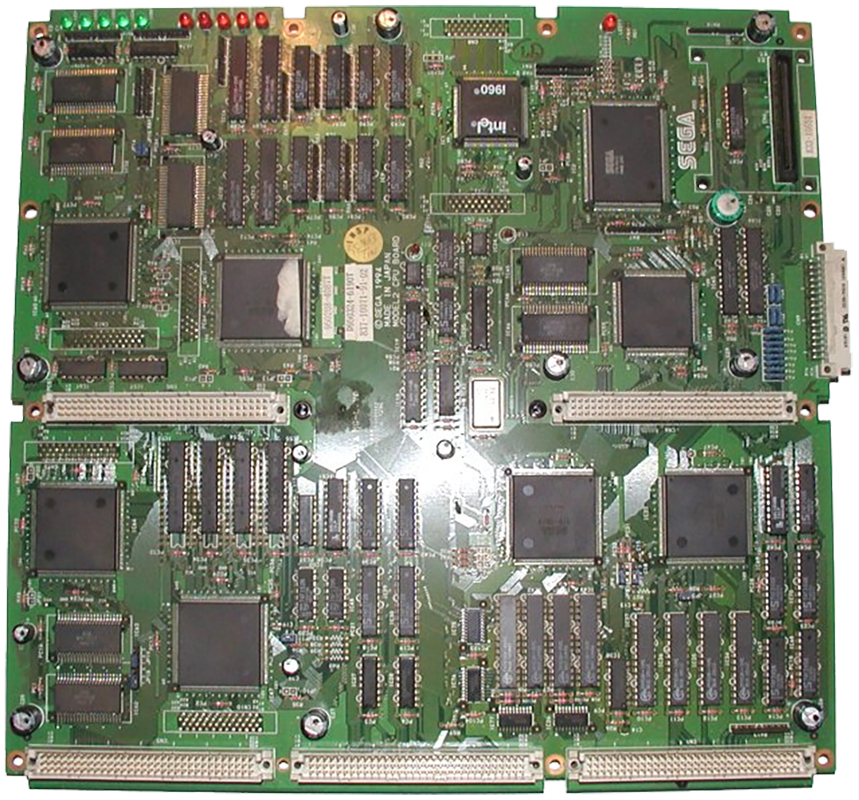
Sega Model 2 emulator (arcade) (Windows).
1. Installation
- Download the latest version from the project's official website.
- Extract the archive into a dedicated folder.
- Launch it once: it will create its configuration and subfolders.
2. Supported formats
.zip
.zip archives load directly, with no need to extract them first.
3. Good to know
- Arcade games stay zipped: do not extract them.
- It's best to use a romset that matches the emulator's version: this avoids most verification errors.
- Many arcade cabinets require inserting a coin before starting the game.
4. Not working?
- The game doesn't show up → check that its extension is among the formats listed above.
- Verification error on launch → the romset doesn't match the emulator's version.