





All guides
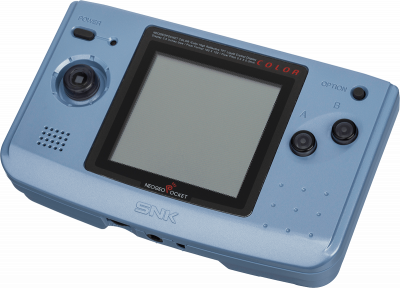
NGPC
Emulator Neo Geo Pocket and Pocket Color (libretro). Full compatibility of the NGPC catalog, no BIOS required.
Download the emulatorIn this guide
Neo Geo Pocket and Pocket Color emulator (libretro). Full compatibility with the NGPC library, no BIOS required. It covers the following systems: NeoGeo Pocket, NeoGeo Pocket Color.
1. Installation
- In RetroArch: Load Core → Download a Core.
- Search for NGPC in the list and install it.
- Go back to the main menu, then Load Content to open your game.
2. Supported formats
.ngp .ngc .ngpc .npc
3. Good to know
- Settings are found under Quick Menu → Options, once the game is loaded.
- Remember to Save Core Overrides (or core options) to keep them from one session to the next.
- Controllers are set up once under Settings → Input, for all cores.
- A setting that works well for one system won't necessarily suit another: adjust case by case.
4. Not working?
- The game doesn't show up → check that its extension is among the formats listed above.
- The core won't load → update RetroArch, then reinstall it.