





All guides
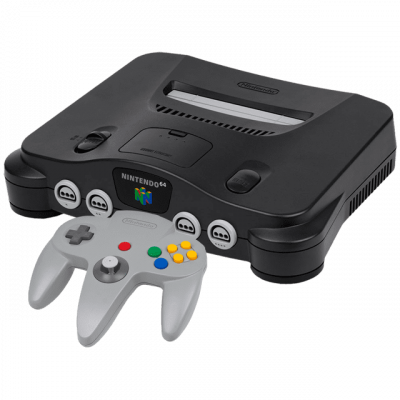
ParaLLEl-N64
Core RetroArch N64 high precision, based on Mupen64Plus. Rendered Vulkan cycle-accurate, ideal for demoscene and homebrew.
Download the emulatorIn this guide
A high-precision N64 RetroArch core based on Mupen64Plus. Cycle-accurate Vulkan rendering, ideal for demoscene productions and homebrew. It covers the following system: N64.
1. Installation
- In RetroArch: Load Core → Download a Core.
- Look for ParaLLEl-N64 in the list and install it.
- Go back to the main menu, then Load Content to open your game.
2. Supported formats
.n64 .z64 .v64
3. Good to know
- Settings are found under Quick Menu → Options once the game is loaded.
- Remember to Save Core Overrides to keep them from one session to the next.
- Controllers only need to be set up once, under Settings → Input, for all cores.
4. Not working?
- The game doesn't appear → check that its extension is among the formats listed above.
- The core won't load → update RetroArch, then reinstall it.