





All guides
In this guide
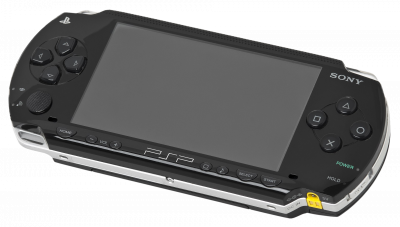
PPSSPP is probably the simplest emulator on this list. No BIOS, no keys, close to 100% compatibility, and it runs just as well on PC as on phones.
1. Installation
- Download it from the official site (Windows, Linux, macOS, Android, iOS).
- Launch the app and point it to your games folder.
2. Game formats
.iso— the standard format..cso— compressed ISO, about 30% smaller, with no loss of compatibility..chd— also supported, and even more space-efficient.
3. Recommended settings
- Backend: Vulkan works well in most cases; depending on your machine, OpenGL or Direct3D may give better results.
- Rendering resolution: 2x or 3x. The PSP scales up very well.
- Lazy texture caching for smoother performance on mobile. The "Vertex Cache" setting was removed from PPSSPP starting with version 1.17.
- Fast Memory mode is enabled by default: only disable it if a specific game crashes.
4. Not working?
- Flickering textures → try a different graphics backend for that game.
- Crackling sound → set audio latency to "low" in the audio settings.