




All guides
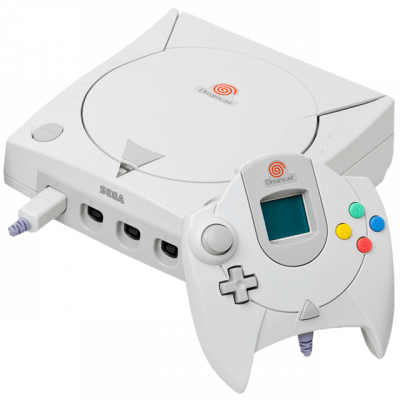
Redream
Émulateur Dreamcast moderne et rapide (Redream). Upscaling HD, interface intuitive, compatible avec la majorité du catalogue.
Download the emulatorRedream is the simple alternative to Flycast for the Dreamcast: polished interface, minimal setup, excellent high-resolution rendering.
1. Getting started
- Download it from the official website (Windows, Linux, macOS, Android).
- Launch the application and point it to your games folder.
- Redream works without a BIOS or flash file — that's one of the project's selling points. You can supply
dc_boot.binif you want the original boot animation, but it isn't required.
2. Game formats
.gdi, .cdi, .chd. CHD remains the most convenient: one well-compressed file per game.
3. Redream or Flycast?
- Redream: simpler, nicer interface, very good high-resolution rendering. The free version is capped at 640×480; higher resolution is a paid feature.
- Flycast: completely free and open source, and also handles the Naomi and Atomiswave arcade boards.
4. Recommended settings
- Resolution: the highest your machine can handle — Dreamcast games age remarkably well at 1080p.
- Enable the widescreen hack on compatible games for true 16:9.