




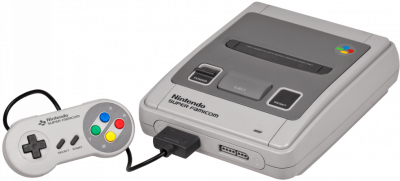
Snes9x has been emulating the Super Nintendo for more than twenty-five years. Lightweight, compatible with practically the entire catalog, and with no system file to supply.
1. Installation
- Download the latest version from the official website.
- No installation needed on Windows: the executable runs as-is.
- Open a
.sfc,.smc, or.zipgame.
2. Special chips
Some SNES games shipped with a chip embedded in the cartridge: SuperFX for Star Fox, SA-1 for Kirby Super Star, DSP-1 for Pilotwings. Snes9x emulates all of them, you don't need to add anything.
Coprocessor support has expanded significantly over the versions. If a very unusual game refuses to start, the emulator will explicitly tell you so.
3. Recommended settings
- Filter: hq2x or 2xSaI to smooth the image, or none to stay pixel-accurate.
- Enable vertical sync to eliminate screen tearing.
- Save states are accessible via the F1 to F9 keys.
4. Snes9x or bsnes?
bsnes favors hardware accuracy, at the cost of higher system requirements. For casual play, Snes9x is lighter and is enough in the vast majority of cases.