




All guides
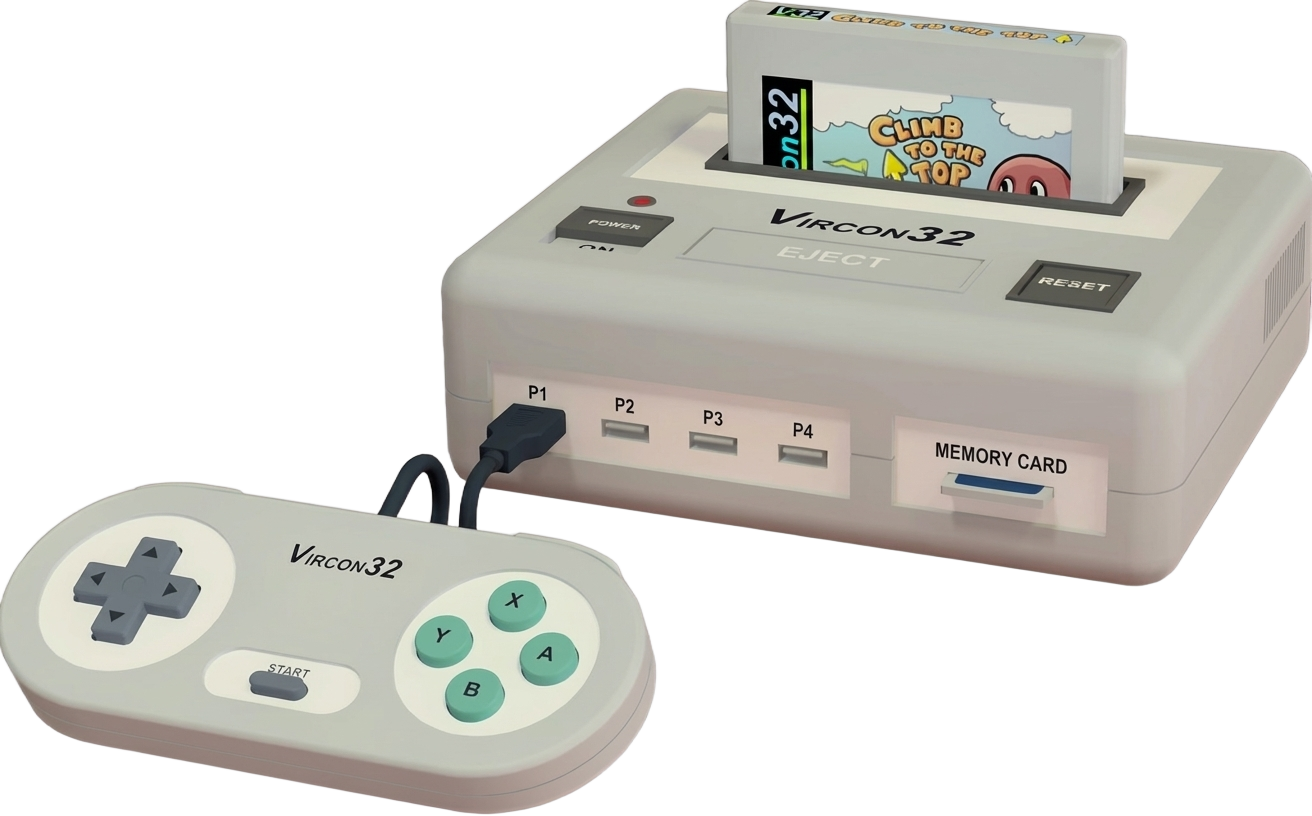
Vircon32: Emulator
Pour jouer aux jeux Vircon32, vous devrez télécharger son émulateur. Vous trouverez la version PC de l'émulateur ici, pour Windows, Linux et Mac.
L'émulateur inclut déjà le BIOS de la console, il vous suffit donc de télécharger quelques jeux pour commencer à jouer.
In this guide
To play Vircon32 games, you'll need to download its emulator. You'll find the PC version of the emulator here, for Windows, Linux, and Mac. The emulator already includes the console's BIOS, so all you need to do is download a few games to start playing. It covers the machine: Vircon 32.
1. Installation
- Download the latest version from the project's official website.
- Extract the archive into a dedicated folder.
- Launch it once: it will create its configuration and subfolders.
2. Good to know
- These machines often boot to a command prompt: the game is launched with a command, not from a menu.
- Emulation speed matters: if it's too fast, the software becomes unplayable. Look for the speed or cycles setting.
- The keyboard is the main input device; the emulated layout may differ from your own.
3. Not working?
- Game doesn't show up → check that its extension is among the formats listed above.
- Software runs too fast or too slow → adjust the emulation speed before anything else.