




All guides
Virtual Jaguar
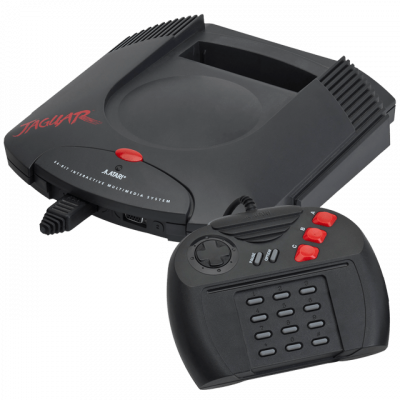
Émulateur Atari Jaguar (libretro). Référence pour la console 64-bit d'Atari (1993), support cartouches et Jaguar CD.
Download the emulatorIn this guide
Atari Jaguar emulator (libretro). The reference core for Atari's 64-bit console (1993), with cartridge and Jaguar CD support. It covers the following system: Atari Jaguar.
1. Installation
- In RetroArch: Load Core → Download a Core.
- Search for Virtual Jaguar in the list and install it.
- Go back to the main menu, then Load Content to open your game.
2. Supported formats
.j64 .jag .rom
3. Good to know
- Settings are found under Quick Menu → Options, once the game is loaded.
- Remember to Save Core Overrides to keep them from one session to the next.
- Controllers only need to be set up once, in Settings → Input, for all cores.
4. Not working?
- The game doesn't show up → check that its extension is among the formats listed above.
- The core won't load → update RetroArch, then reinstall it.