





Tous les guides
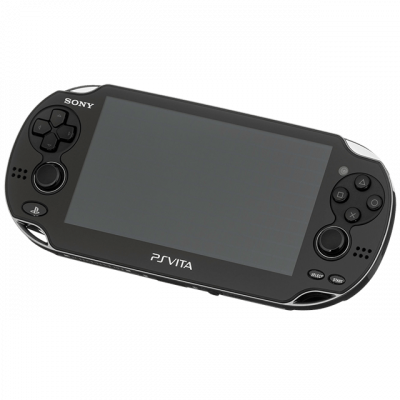
Vita3K
Émulateur PlayStation Vita. Projet actif mais encore expérimental : la compatibilité varie fortement d'un jeu à l'autre.
Télécharger l'émulateurDans ce guide
Vita3K émule la PlayStation Vita. Le projet progresse vite mais reste expérimental : la compatibilité est très variable selon les jeux.
1. Le firmware
- Récupère le firmware PS Vita (
PSVUPDAT.PUP) ainsi que le paquet de polices système. - Dans Vita3K : File → Install Firmware.
- Installe aussi les polices, sinon de nombreux jeux affichent des carrés vides à la place du texte.
2. Installer un jeu
- Vita3K attend un dossier de jeu extrait, ou un fichier
.vpk. - File → Install .vpk pour les paquets, ou pointe le dossier pour un jeu déjà extrait.
- Certains titres sont livrés en plusieurs archives à décompresser dans le bon ordre.
3. Réglages
- Backend : Vulkan — nettement plus stable qu'OpenGL sur ce projet.
- Active Shader cache pour éviter de recompiler à chaque lancement.
- Consulte la liste de compatibilité du projet avant de t'acharner sur un jeu.
4. Ça ne marche pas ?
- Texte invisible ou carrés → les polices système ne sont pas installées.
- Plantage immédiat → firmware absent, ou jeu non supporté à ce stade du projet.