





All guides
Vita3K
PlayStation Vita emulator. Active but still experimental project: compatibility varies greatly from game to game.
Download the emulatorIn this guide
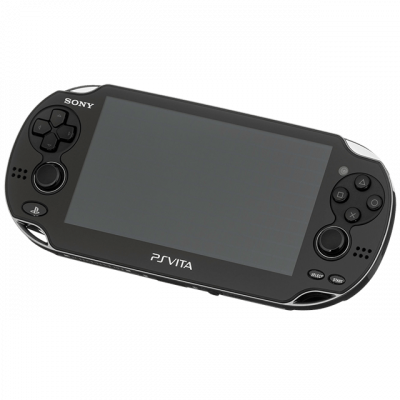
Vita3K emulates the PlayStation Vita. The project is progressing quickly but remains experimental: compatibility varies widely depending on the game.
1. The firmware
- Download the PS Vita firmware (
PSVUPDAT.PUP) as well as the system font package. - In Vita3K: File → Install Firmware.
- Be sure to install the fonts as well; otherwise, many games will display empty squares instead of text.
2. Install a game
- Vita3K requires an extracted game folder or a
.vpkfile. - File → Install .vpk for packages, or select the folder for a game that has already been extracted.
- Some titles come in multiple archives that must be extracted in the correct order.
3. Settings
- Backend: Vulkan — significantly more stable than OpenGL for this project.
- Enable Shader cache to avoid recompiling at every launch.
- Check the project’s compatibility list before spending too much time on a game.
4. Not working?
- Invisible text or squares → system fonts are not installed.
- Immediate crash → missing firmware, or game not supported at this stage of the project.