





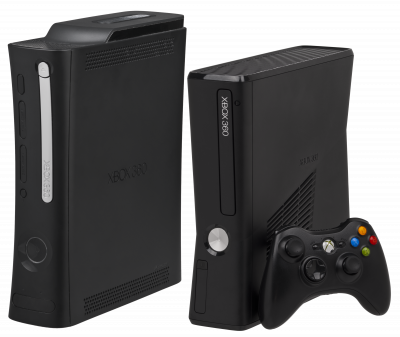
Xenia
Active Xbox 360 emulator (Xenia Canary). Increasing compatibility, D3D12/Vulkan rendering. No BIOS required.
Download the emulatorXenia is the only genuinely usable Xbox 360 emulator. Compatibility is improving fast, but still varies a lot from game to game.
1. Which version should you get?
Get Xenia Canary, not the master build. Canary is the community branch that gets bug fixes and per-game patches first — it's the one the project itself recommends to newcomers. The Xenia Manager frontend makes managing your library much easier.
2. System requirements
- Windows 10 version 1903 or newer.
- A GPU that supports Vulkan 1.1 or Direct3D 12 (Shader Model 6.0).
- Up-to-date graphics drivers. This is by far the number one cause of crashes.
3. Organizing your games
- Extract your archives: Xenia doesn't read
.zipfiles. - Create a
ROMs/xbox360folder and put everything in it. - Supported formats: ISO, XEX, and Games on Demand.
4. The setting you shouldn't skip
The mount_cache option is disabled by default. Some games need access to the cache partition to load maps or textures: if one of them crashes or shows nothing, switch it to true in the configuration file. It isn't necessary for every title.
5. Canary patches
Canary is the only branch that accepts .patch files: framerate unlock (60 or 120 fps), fixes for broken rendering, aspect ratio changes. Well worth checking out on well-supported games.
6. Not working?
- Crashes immediately → check GPU drivers, then
mount_cache. - Black or missing textures → try switching between Vulkan and Direct3D 12.