




Batocera, Recalbox, RetroPie: the state of retro frontends in 2026
Having the emulators is good. But running them in a clean interface, with covers, automatic saves, and a controller, is even better. This is where frontendscome in, these systems that embed everything into a single interface. Overview of the main three.
🟦 Batocera Linux
Batocera is probably the most complete of the three. It is a dedicated Linux distribution, bootable from a USB key or SD card, which embeds EmulationStation as an interface and pre-configures dozens of emulators. It runs on Raspberry Pi (3/4/5), PC x86, Odroid, Rock Pi, and even mini-PCs like the Beelink or the N100.
What sets it apart: the hardware support is excellent, the updates are regular, and the community is very active. Wi-Fi, Bluetooth, SSH, SMB network sharing, all included and pre-configured. You place the SD card, you plug in the controller, you play.
For ROMs, it automatically detects folders and supports compressed formats (CHD, CSO, etc.). On the scraper side, ScreeScraper is integrated to recover covers and videos automatically.
🟩 Recalbox
Recalbox is the French alternative, developed largely by the French. Very neat interface, even more simplified setup than Batocera, and a focus on accessibility. It is often recommended for beginners or to offer a turnkey box to someone who doesn’t want to tinker.
The project includes its own app store (Recalbox Store) which allows to install extras like Kodi or additional emulators. Compatibility Raspberry Pi, PC, and some SBCs.
🟥 RetroPie
RetroPie is the ancestor, the project that popularized the idea of the retro box on Raspberry Pi. It remains a reference this, but its approach is different: it's an installation script on Raspberry Pi OS (or Ubuntu), not a full distro. You retain total control of your system. style="user-select: auto;">Less turnkey than the other two, but much more flexible for tinkerers who want to install only what they need. Supports Raspberry Pi 5 since the latest versions.
🤔 Which should you choose?
- You want full plug-and-play → Batocera or Recalbox
- You want to keep control of your system → RetroPie
- You are playing on PC/mini-PC → Batocera (best supported on x86)
- You're starting and you want the nicest interface → Recalbox
And for the ROMs that go into all that? This is exactly why RetroVault exists. 😏
Sources: batocera.org, recalbox.com, retropie.org.uk
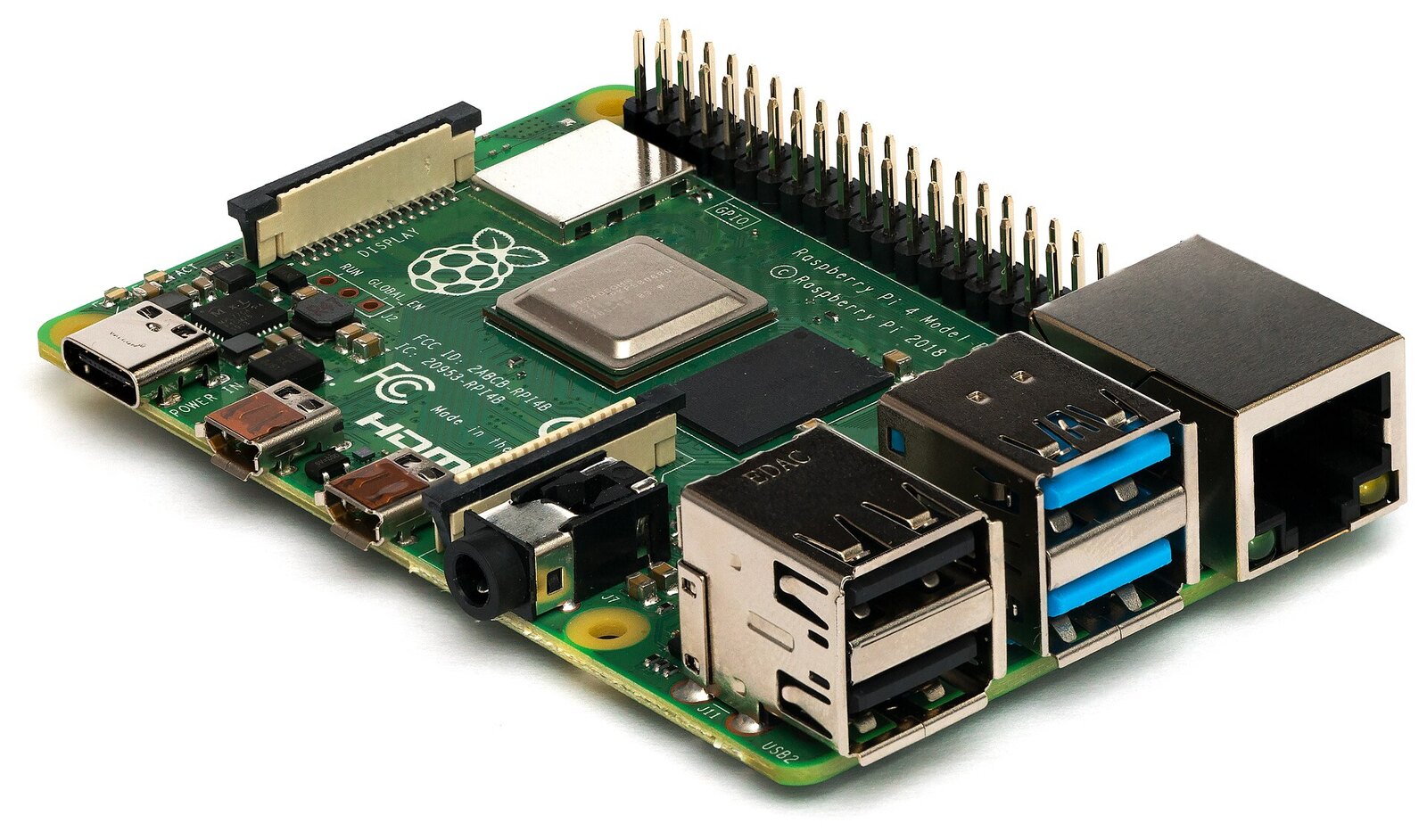
Image credit: “Raspberry Pi 4 Model B - Side” by Laserlicht, licensed under CC BY-SA 4.0, via Wikimedia Commons (resized).