




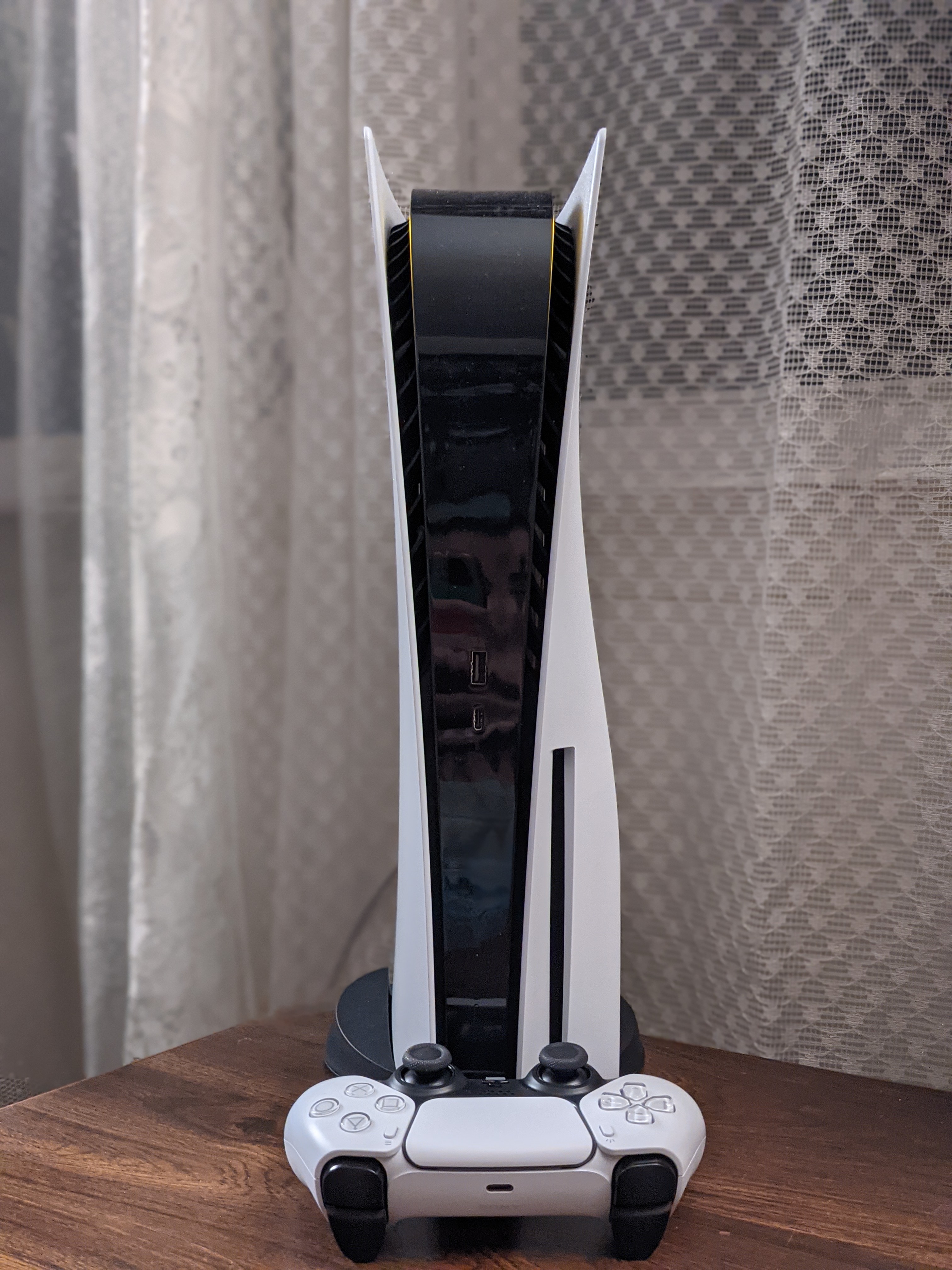
Installing etaHEN on PS5 in 2026: The Complete Homebrew Enabler Guide (After Jailbreaking)
⚠️ This guide directly follows our PS5 Relapse jailbreak guide. Situation checked as of September 30, 2026: the latest known public etaHEN build at this date is 2.6b, a test build that expires on October 1, 2026 and officially targets firmware up to 12.70 (support for firmware 13.60 is currently being stabilized by the community). Before starting, make sure to check the official releases repository for the build currently valid for your firmware: etaHEN regularly ships time-limited builds, and an outdated one may simply refuse to launch.
etaHEN ("AIO HEN payload") isn't a jailbreak by itself: it's the step that follows gaining kernel access through an exploit like Relapse. Once loaded, it turns that raw access into a full homebrew environment: a built-in app store, a plugin manager with SDK support, an FTP server (port 1337), a PKG package installer, and a debug toolbox accessible directly from the PS5's interface.
What you'll need
You need: a PS5 already jailbroken, with an active ELF loader via Relapse (or an equivalent exploit); a Windows PC on the same network as the console, with PowerShell; the etaHEN payload file downloaded from the official repository; and your PS5's IP address, found under Settings → Network → View Connection Status.
Steps
1. First run the Relapse exploit (see our guide) to get an active ELF loader on port 9020.
2. On your PC, download the latest etaHEN archive from the official GitHub repository and unzip it.
3. Open PowerShell as administrator in the extracted folder, and allow script execution with Set-ExecutionPolicy Bypass (confirm if prompted).
4. Send the payload with .\send_payload.ps1 -Payload "etaHEN.elf" -IP "192.168.x.x" -Port 9020, replacing the IP with your PS5's.
5. etaHEN loads automatically: a config file is created on first launch at /data/etaHEN/, and the toolbox appears on the PS5's home screen.
6. To reload etaHEN after a simple restart without redoing Relapse's WebKit stage, reuse the same script targeting port 9021 (etaHEN's built-in loader), when your exploit allows it.
⚠️ Important warnings. etaHEN is not persistent: you'll need to reload it after every full console restart. A build that's too old or mismatched with your firmware can cause a harmless crash, just restart and start over. As with any PS5 jailbreak, playing online risks a permanent PSN account ban and voids the manufacturer's warranty: RetroVault only endorses offline use and backups of legally owned games.
To download the current build and read the full documentation, head to the official etaHEN GitHub repository. The video tutorial below covers both manual and automatic installation step by step:
Source: etaHEN (GitHub)