




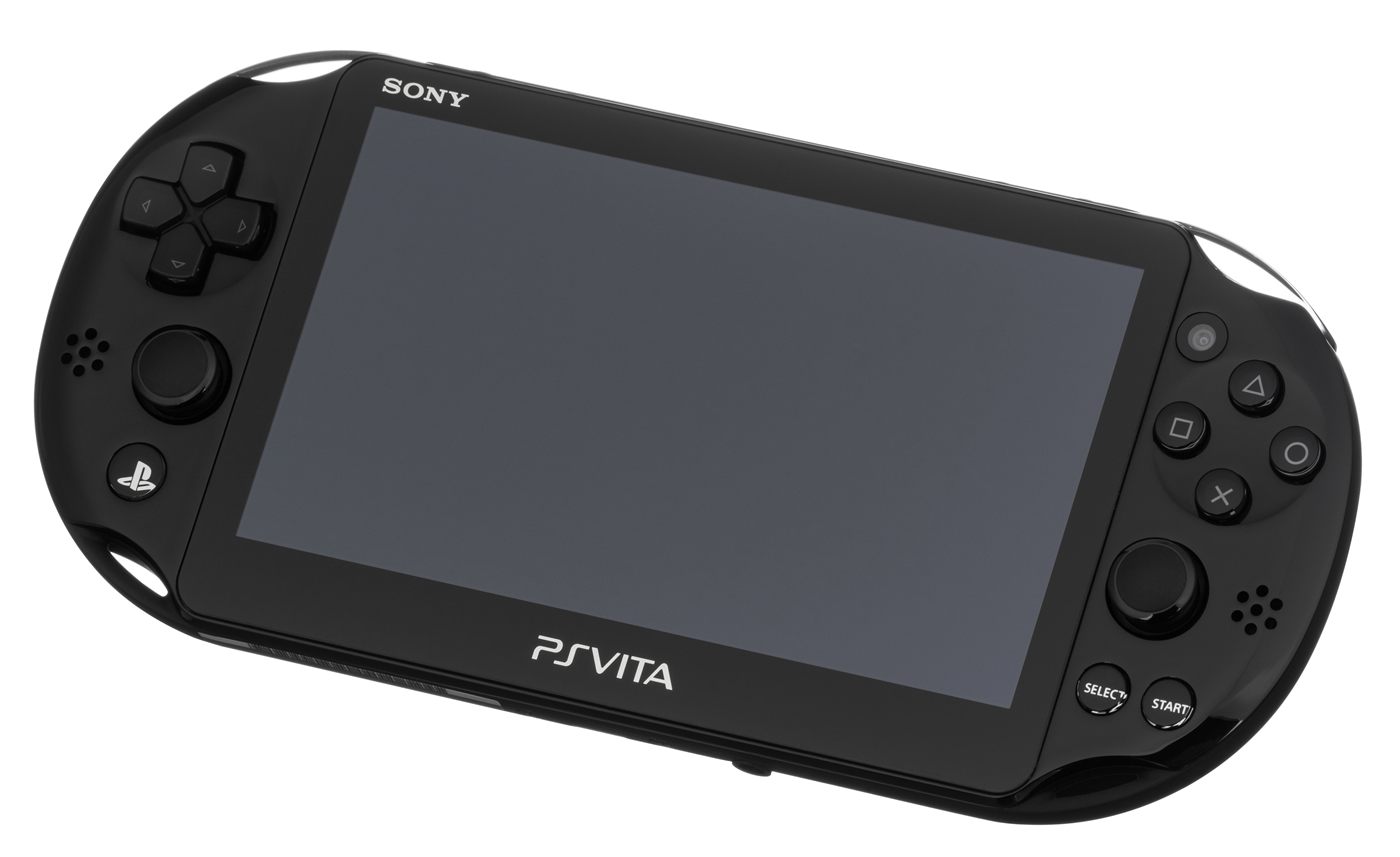
Jailbreaking A PS Vita In 2026: The Complete Beginner's Guide (Firmware 3.60 To 3.74)
Nearly fifteen years after its release, the PlayStation Vita remains one of the homebrew community's favorite handhelds: its power lets it run emulators for many retro systems, unofficial cloud saves, and even PSP games through Adrenaline. This guide is aimed at complete beginners who have never modded their console before.
Prerequisites before you start
- A PS Vita (PCH-1000 or PCH-2000) or a PS TV, on a firmware between 1.03 and 3.74 (the highest firmware currently covered by public exploits).
- A PlayStation Network account (you can create one for free directly on the console if you don't have one).
- A Windows PC (finalhe is also available as a self-compiled build for Mac and Linux).
- A USB cable compatible with the PS Vita's proprietary port.
- On the PS Vita 1000 (the very first model): an official Sony memory card is required, third-party adapters won't work for this initial step. The 2000 model and PS TV don't have this restriction.
- A stable internet connection.
Warning
Jailbreaking your console is outside Sony's intended use case. While the risk of a "brick" (a permanently unusable console) is very low with this method today, it is never completely zero. Always keep your PS Vita plugged in and charged throughout the whole process. This procedure also voids any remaining warranty, and some online features may be affected. Never update your console past firmware 3.74: no public exploit currently jailbreaks newer versions, and the update would be irreversible.
Step 1: Check your firmware version
Go to Settings → System → System Information to see your installed firmware version. If it's higher than 3.74, there is currently no public exploit available: do not proceed further.
Step 2: Download the required tools
Download the latest version of finalhe (the tool that automates pushing the h-encore/h-encore² exploit) from its creator soarqin's official repository on GitHub. Also download the VitaDeploy archive, which will automatically install the VitaShell homebrew app at the end of the process. Extract finalhe into a dedicated folder on your computer, and place the VitaDeploy archive (without extracting it) inside that same folder.
Step 3: Connect the PS Vita to your computer
- On the PS Vita, open Content Manager, then choose Copy Content → PC → PS Vita.
- Launch finalhe.exe on your computer and follow the prompts to register the computer with the console.
- If the console isn't detected, install the QcmaDriver included in finalhe's folder, then try again.
Step 4: Transfer the exploit to the console
- In finalhe, check the "Trim h-encore to ~7MB" option to speed up the transfer.
- Also check the VitaDeploy box so VitaShell installs automatically afterward.
- Click "Let's GO!" and wait for the transfer to finish.
- On the PS Vita, go back to Content Manager, then navigate to PC → PS Vita/TV System → Applications → PS Vita to find h-encore (or h-encore², depending on your firmware) and VitaDeploy, and start the copy.
Step 5: Run the exploit
- From the PS Vita home screen, open the h-encore (or h-encore²) app.
- Hold down the R button as soon as it launches.
- A trophy-related message should appear: keep holding R and confirm.
- Once the process finishes, press × to exit. The HENkaku menu should now be accessible from Settings.
Step 6: Enable homebrew and install VitaShell
Go to Settings → HENkaku Settings and enable the "Enable Unsafe Homebrew" option, required to run unsigned applications. The VitaDeploy app transferred in step 4 should then automatically install VitaShell, the go-to file manager on jailbroken PS Vitas, developed by TheFloW.
An exploit you'll need to re-run after every reboot
Unlike a permanent jailbreak, h-encore and h-encore² need to be manually re-launched after every full power-off (simply putting the console to sleep is fine). On consoles running firmware 3.65 or earlier, you can install Ensō, a permanent boot patch that makes the jailbreak persistent without having to re-run the exploit each time. On consoles shipped with a newer firmware, downgrading to 3.65 is sometimes possible, but this option depends on the exact console model and isn't guaranteed: check the Vita Hacks Guide carefully before attempting a downgrade.
What to do once your console is unlocked
A jailbroken PS Vita lets you install emulators for many retro systems, play PSP games through Adrenaline, use custom themes, or back up your save files to a computer. All of these apps are then installed through VitaShell, in VPK format.
Troubleshooting
- The console isn't detected by finalhe: make sure Content Manager is open on the console and reinstall the USB driver.
- The trophy doesn't trigger in h-encore: make sure you hold R as soon as the app launches, without letting go too early.
- VitaShell didn't install automatically: re-launch the VitaDeploy app manually from the LiveArea menu.
This guide is based on the detailed, regularly updated instructions from the community site Vita Hacks Guide, which remains the reference to check if you're unsure, or for older console models (firmware below 3.60).
Source: Vita Hacks Guide