


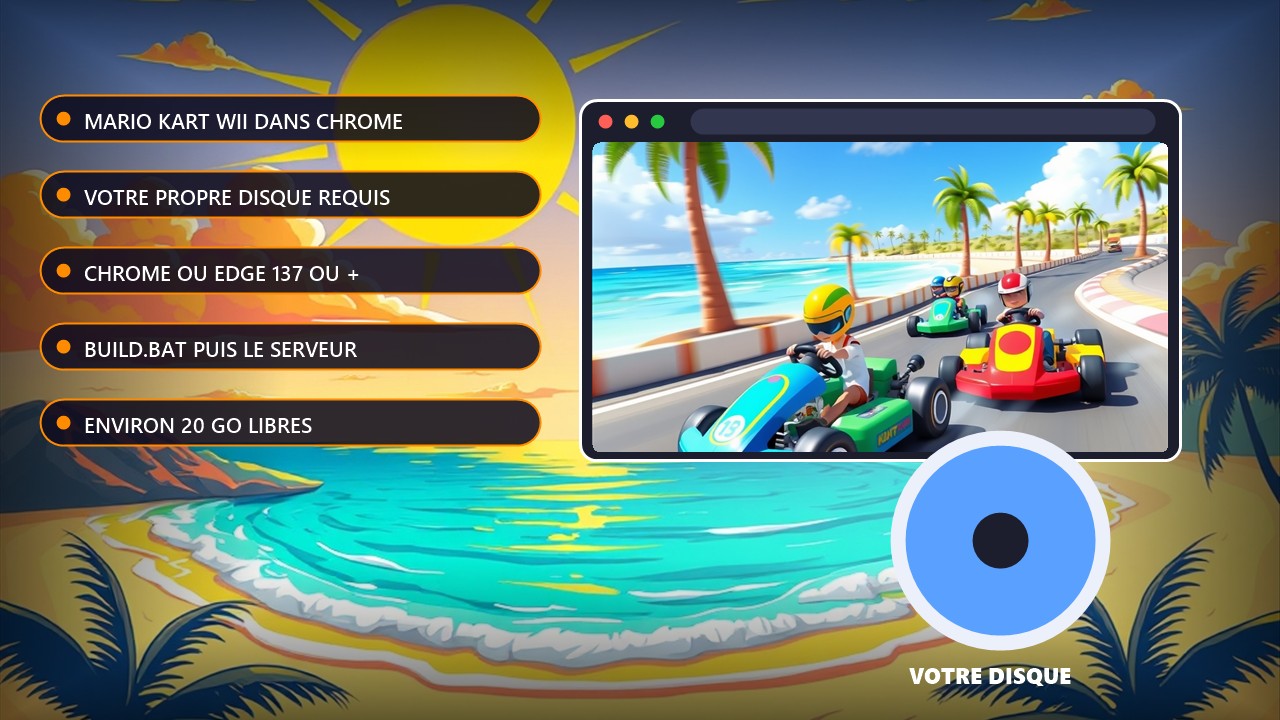
Tutorial: play Mario Kart Wii in Chrome with WebCompiled
Read first: this guide targets the project as of 03/11/2026 ("in development, but playable"). WebCompiled contains no game files: you must supply your own Mario Kart Wii disc, PAL version (code RMCP01), legitimately copied from your own disc. Never download a game from a dubious site. The project moves fast: recheck the WebCompiled GitHub repository before you start.
Requirements: Windows 10 or 11 (64-bit), about 20 GB of free space, 8 GB of RAM or more, an internet connection for the first build, and Chrome or Edge version 137 or newer. Firefox and Safari are not supported yet. Online play is not available.
The steps, in order
1. Download the ZIP of the WebCompiled GitHub repository ("Code" button, then "Download ZIP") and unzip it.
2. Put your game file (.rvz, .iso, .wbfs or similar, PAL RMCP01 version) in the web\game folder.
3. Double-click build.bat. The first build downloads about 1.2 GB of tools and takes about 30 minutes: keep the window open.
4. Run start-server.bat, then open http://localhost:8080 in Chrome or Edge. The game runs at about 60 fps in races on a desktop PC; saves stay in your browser.
5. Optional: a RetroRewind6 folder placed alongside lets you launch Retro Rewind as a second game. To play from another device, HTTPS is required: use the repository's --lan option (self-signed certificate). On Chrome for Android with WebGPU it is playable but slow and glitchy.
No reliable tutorial video was found to date; the repository README remains the reference.
Source: WebCompiled GitHub repository