


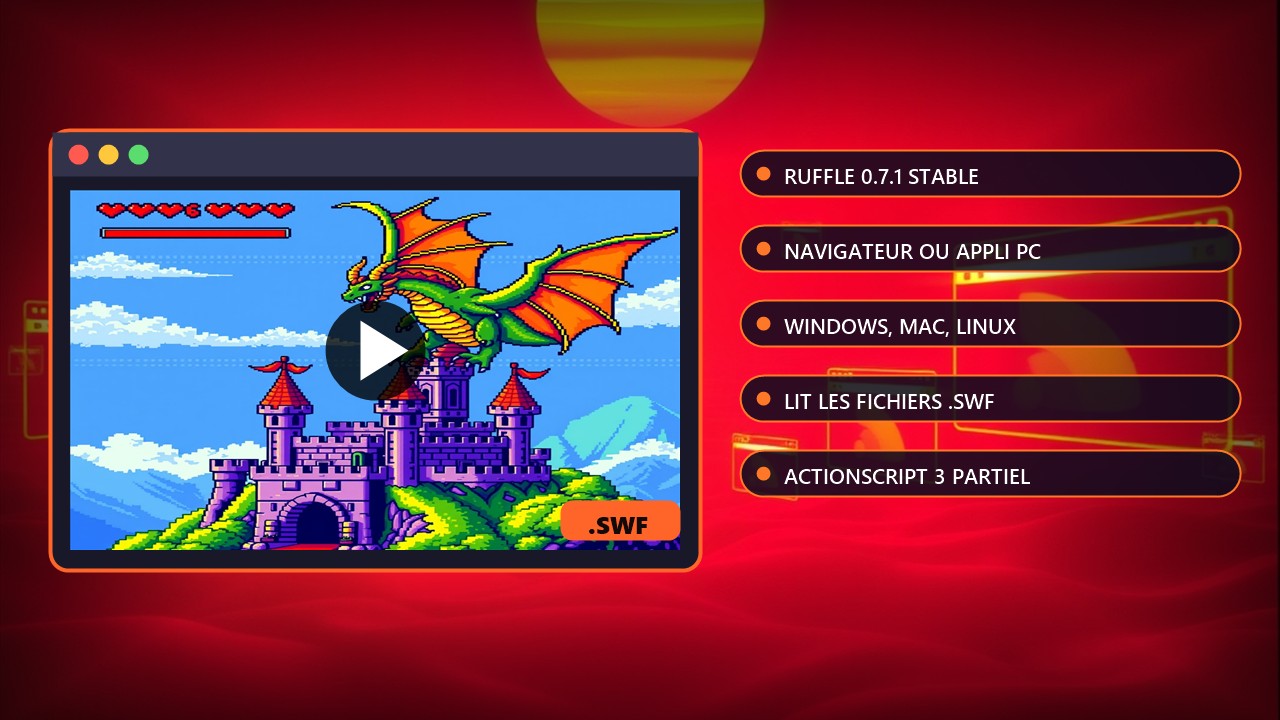
Tutorial: play Flash games with Ruffle, in your browser or on PC
Browsers no longer support Flash, but the free emulator Ruffle lets you play Flash animations and games again. Version checked on 21 November 2026: the latest stable release listed on the download page is 0.8.0, and the latest nightly build is dated 21/11/2026. If you read this guide later, check the number on the official download page.
Requirements: a Windows, macOS or Linux computer (or a compatible browser), and .swf files or Flash sites you are entitled to use. Ruffle ships no games. There is no risk to your machine or any console: it is just a piece of software.
Method 1: the browser extension (easiest)
- Open the Ruffle download page.
- Pick your browser: Chrome or Edge through their extension stores, Firefox through Firefox Add-ons. Safari uses the macOS file provided by the project and requires enabling developer options.
- Click Add, then accept the installation.
- Reload a site that used Flash: Ruffle automatically replaces the missing player.
- If a message reports unsupported content, the game is written in ActionScript 3 and may not be compatible yet (see the limits below).
Method 2: the desktop app to open a .swf file
- On the same page, download the desktop version for your system (Windows, macOS or Linux).
- On Windows, extract the archive. Double-click ruffle.exe and pick your .swf file, or run ruffle filename.swf from a command prompt.
- On macOS, run the binary inside Ruffle.app and give it the path of the .swf file.
- On Linux, the project recommends the Flatpak (ID rs.ruffle.Ruffle), which may also be in your app manager.
Limits to know
ActionScript 3 support is still partial, so some games start badly or not at all. AIR-only features are very limited and most AIR games will probably not work. The WebGPU renderer is not recommended for production. Nightly builds give early access to fixes but are not stable releases: stay on 0.8.0 if you want stability.
Do you run a website with old animations? Ruffle can also be added with a script tag (CDN or a file hosted by you), explained in the official Using Ruffle guide.
Source: Ruffle (downloads) and Using Ruffle guide on GitHub