

Tutorial: play a DOS game with DOSBox Staging 0.83.1, step by step
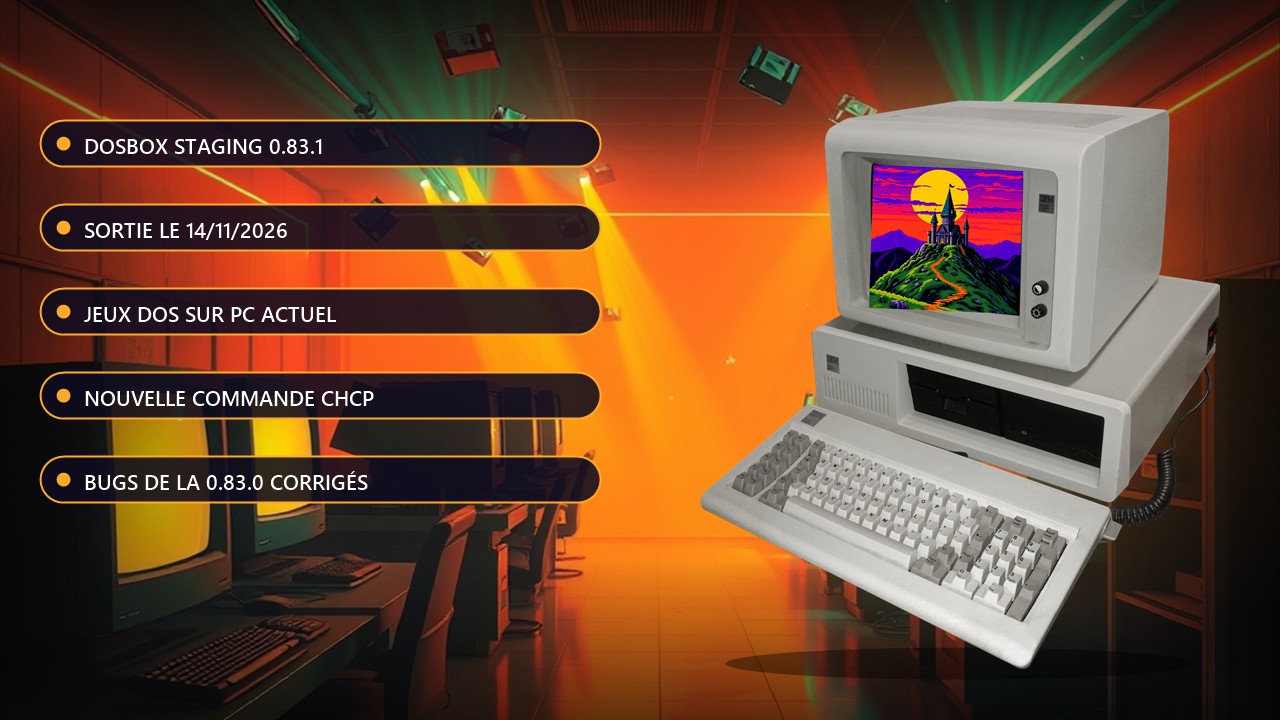
DOSBox Staging is a free emulator that runs 1980s and 1990s MS-DOS games on a modern PC. Version checked on November 21, 2026: the latest stable release is 0.83.1, published on November 14, 2026. It is a maintenance update that fixes several regressions from 0.83.0. If you read this guide later, check the number on the official download page.
Requirements: a Windows, macOS or Linux PC, and a DOS game you own or that its authors give away for free. DOSBox Staging includes no games. There is no risk to your machine, it is just software.
Steps
- Open the download page and pick your platform (Windows, macOS or Linux). The files are also on the 0.83.1 release page on GitHub.
- Install the program, then launch it: a black window with a Z:\> prompt opens.
- Create a folder for your games on your drive, for example C:\DOSGAMES, and copy the game's folder into it.
- In DOSBox, type mount c C:\DOSGAMES and press Enter. That folder becomes the emulator's C: drive. On macOS and Linux, use the folder path, for example mount c ~/dosgames.
- Type c: and press Enter, then dir to list the folders. Enter the game's folder with cd GAMENAME.
- Start the game by typing the name of its launch file (.exe, .com or .bat), without the extension.
- Go fullscreen with Alt + Enter.
What's new in 0.83.1
The release fixes, among other things, the joystick becoming inactive after changing joysticktype at runtime, IPX networking regressions, saving screenshots with certain display settings, and launching programs through relative paths without an extension. It also shrinks the executable from about 45 MB to 13 MB. On the command side, MOUNT now rejects unknown parameters instead of silently ignoring them, and a new CHCP command changes the code page on the fly.
Heads-up if you are not an English speaker: automatic locale detection has been removed. The keyboard_layout and country settings no longer accept auto, so you need to set a concrete value in your configuration file. The details are in the Localisation section of the manual. For a guided first run with real games, the project also offers its Getting Started guide, and the full release notes detail every fix.